Your log
Sync and offline
How Fieldbook keeps your log on each device and in the cloud.
Fieldbook saves each change on your device first. It then sends the change to the cloud, and gets the changes from your other devices. Cloud sync is free on every plan.
If you have no connection, Fieldbook keeps your changes on the device. It sends them when you are online again. To prepare a device before you go out, refer to Get ready to log offline.
Check the sync status
The cloud icon at the top of the screen shows the sync status. Select it to see more.
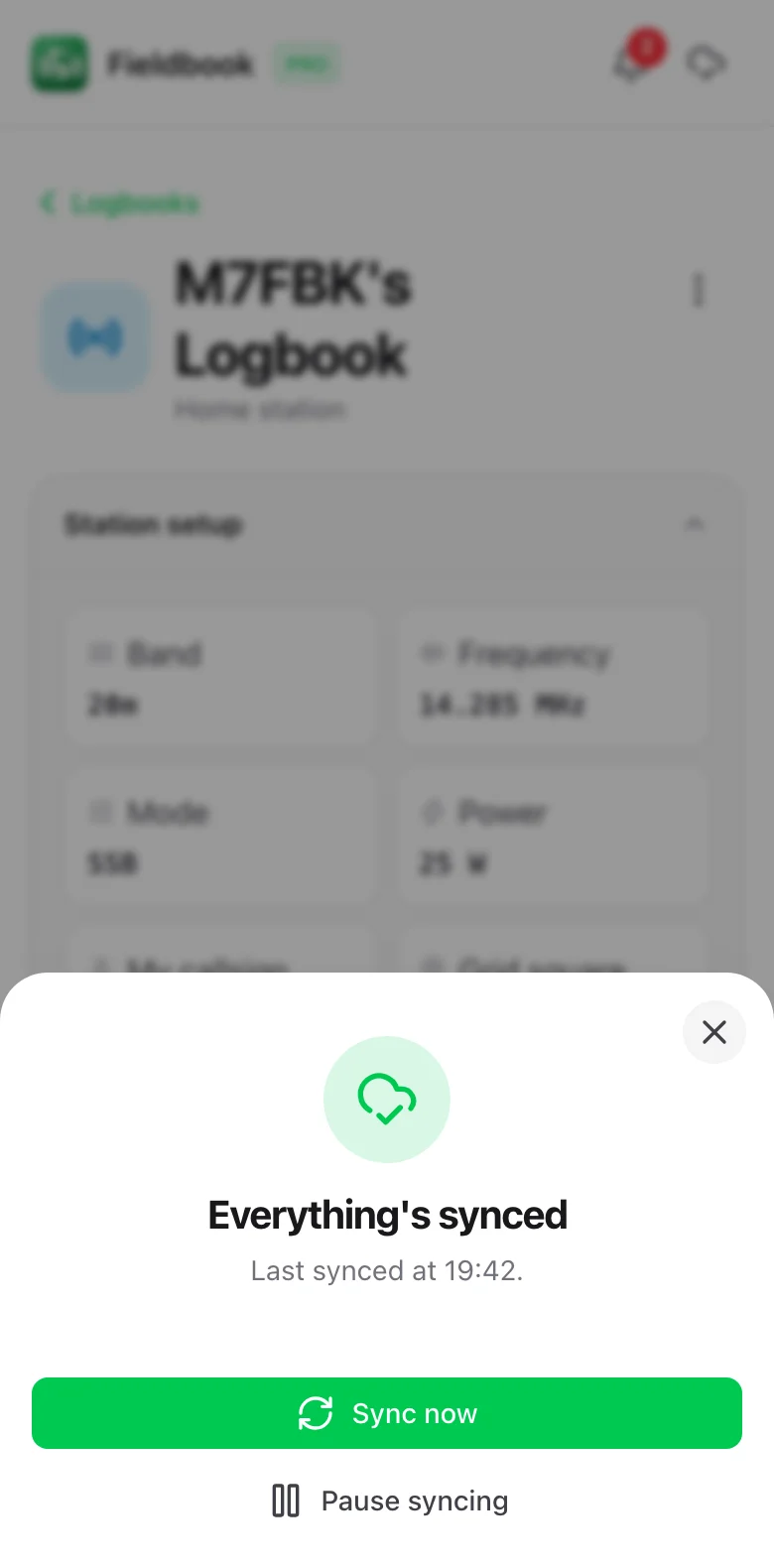
- Everything's synced: all of your changes are in the cloud.
- Syncing…: Fieldbook is sending and getting changes.
- Waiting to sync: you have changes that Fieldbook sends in a moment.
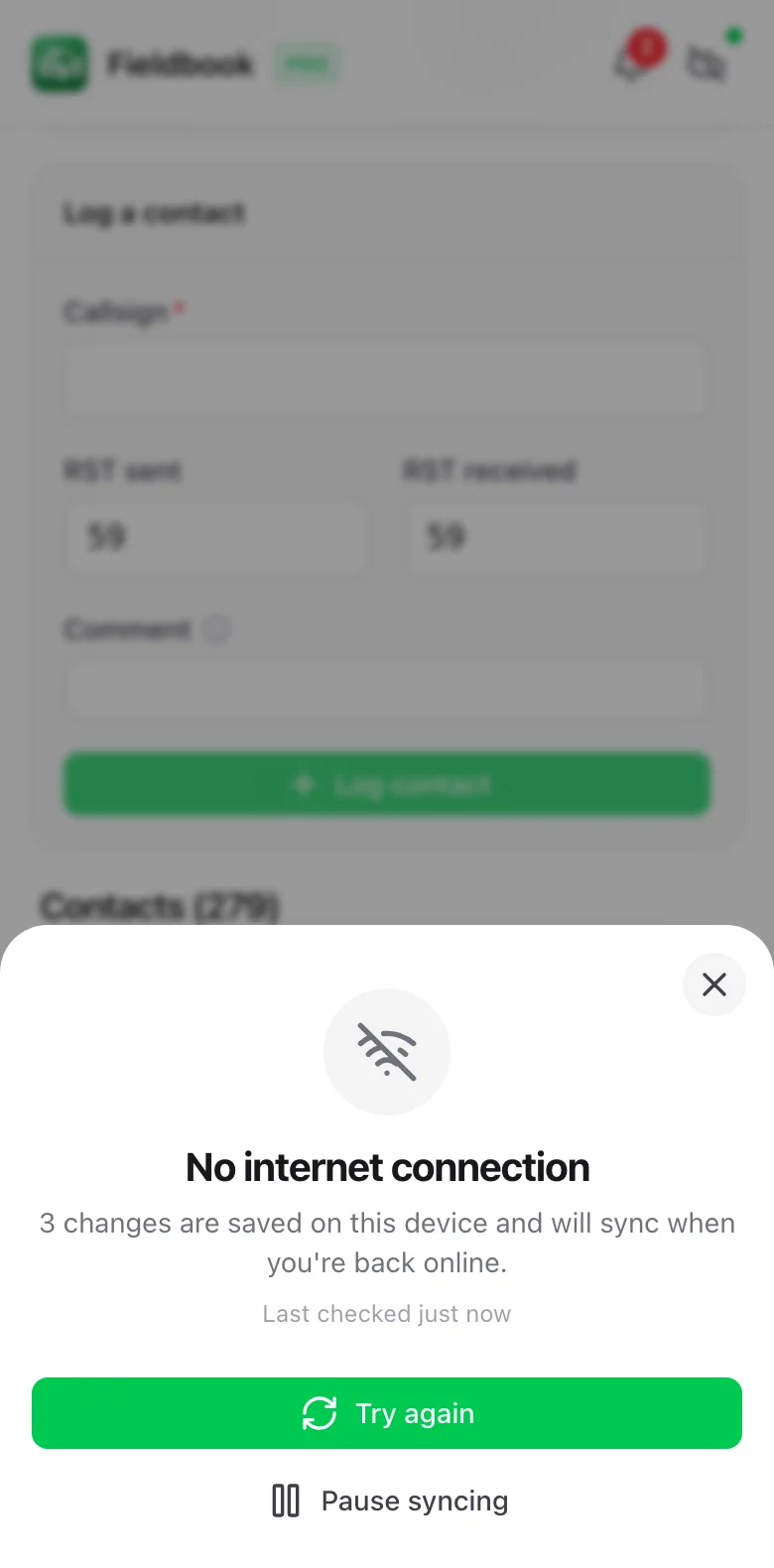
- No internet connection: your changes are on this device. They sync when you are online again.
- Can't reach Fieldbook: you are online, but Fieldbook does not answer. Your changes sync when it is back.
- Sync paused: you have paused sync.
- Couldn't sync: something went wrong. Fieldbook tries again automatically.
- Some changes couldn't sync: Fieldbook did not accept some changes. Your other changes still sync. Refer to Changes that could not sync.
Sync now, or pause sync
From the same sheet:
- Select Sync now to sync immediately.
- Select Pause syncing to keep your changes on this device only. To continue, select Resume syncing.
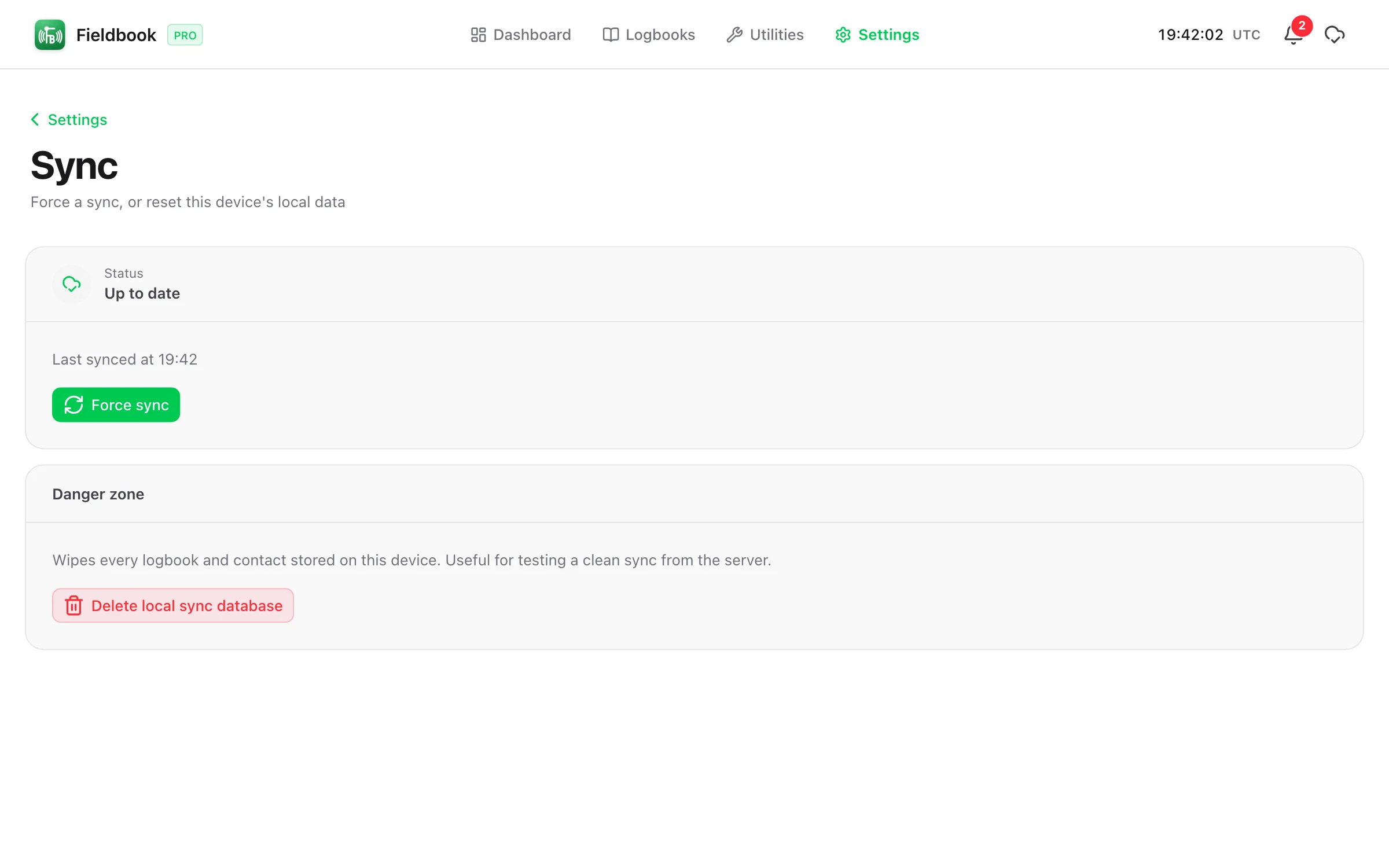
You can also select Force sync in Settings > Sync.
Changes that could not sync
Sometimes Fieldbook cannot accept a change, for example a contact with a value that is not correct. Fieldbook keeps the change aside, and your other changes continue to sync.
To see these changes, select Review changes in the sync sheet, or go to Settings > Sync.
- Select Retry all to send them again.
- Select Discard to remove a change from this device. If the item is on your other devices, Fieldbook puts back the version from there.