Features

Everything Fieldbook can do, from logging out in the field to looking back over your contacts at home.

Logging

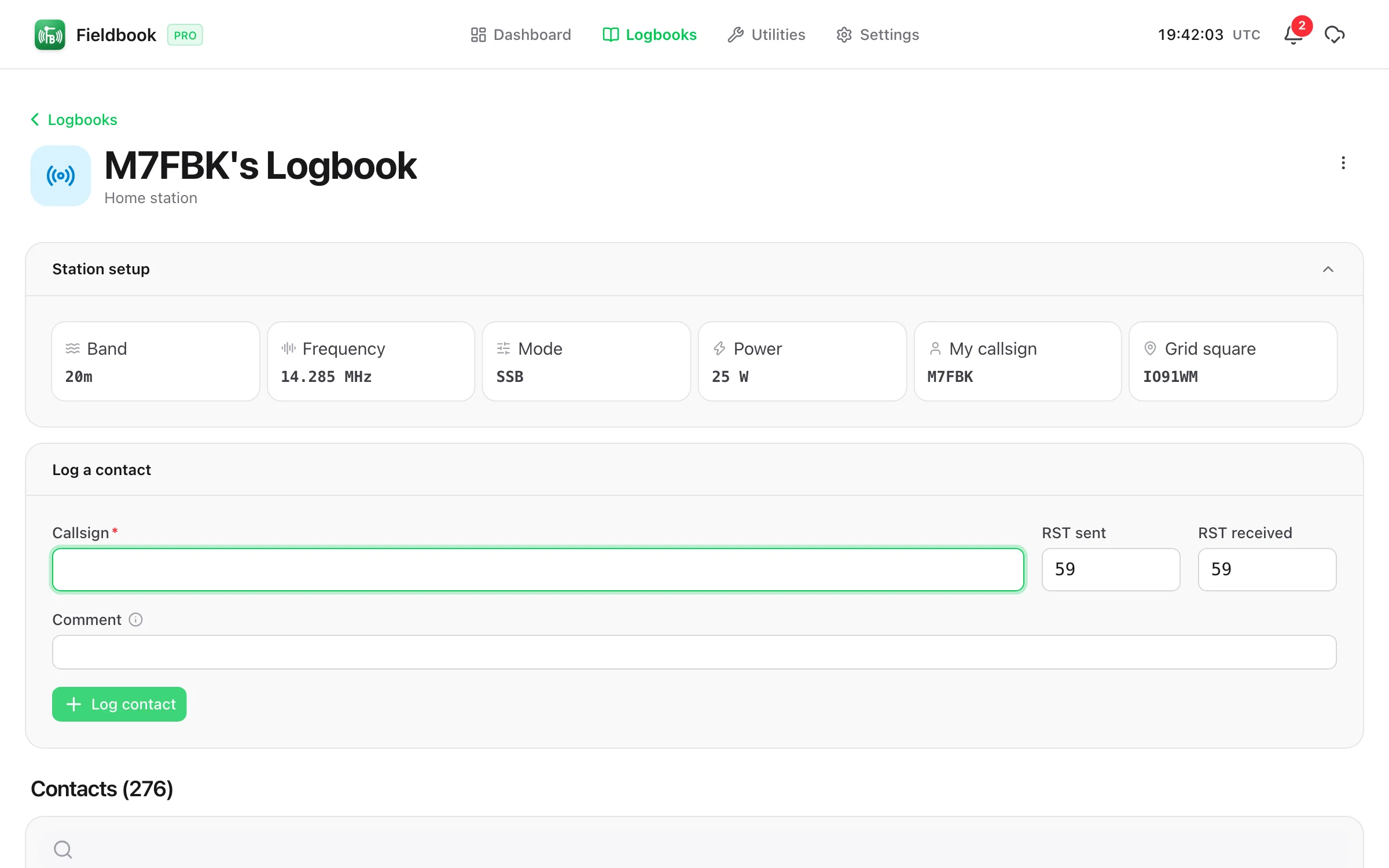
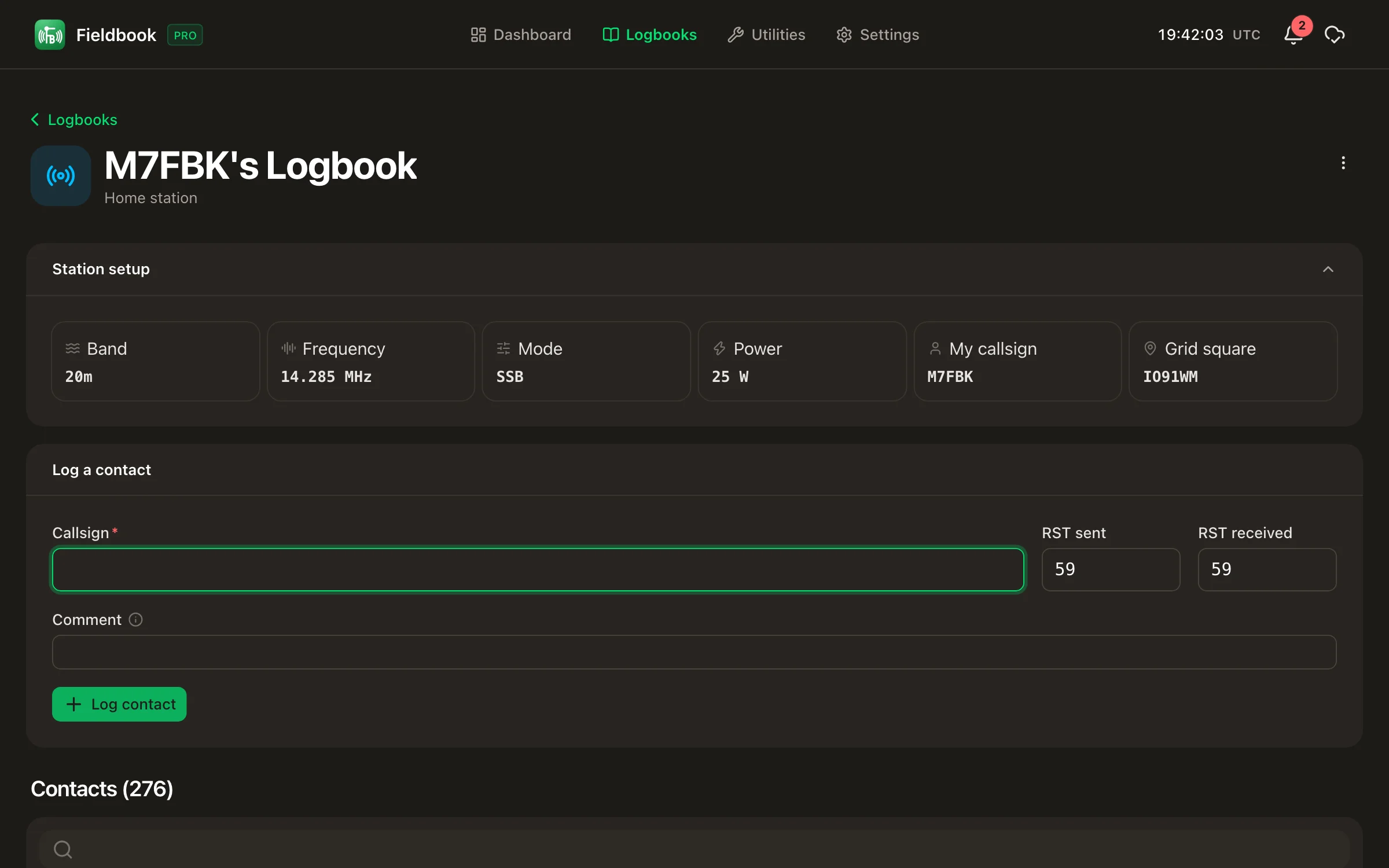
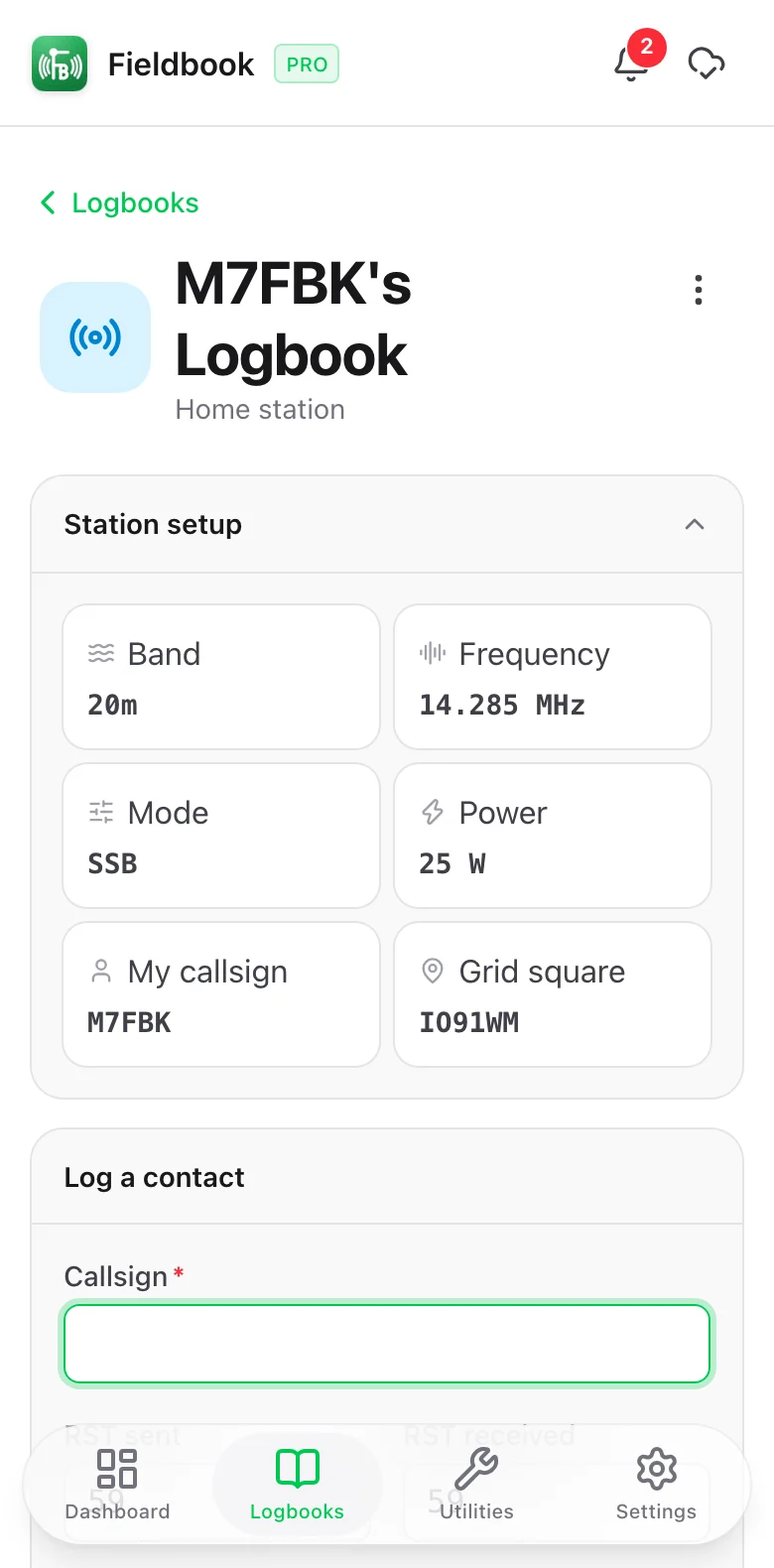
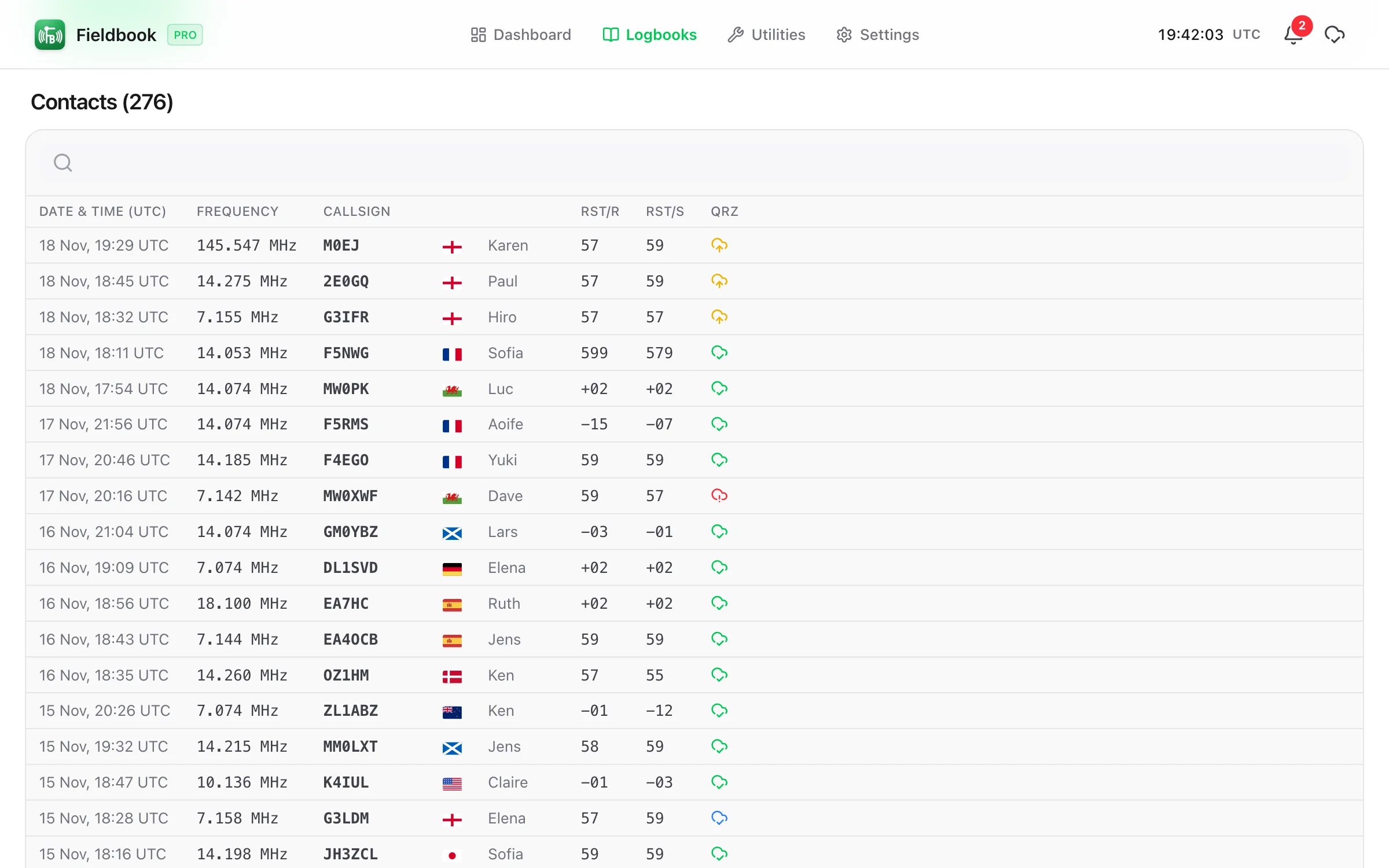
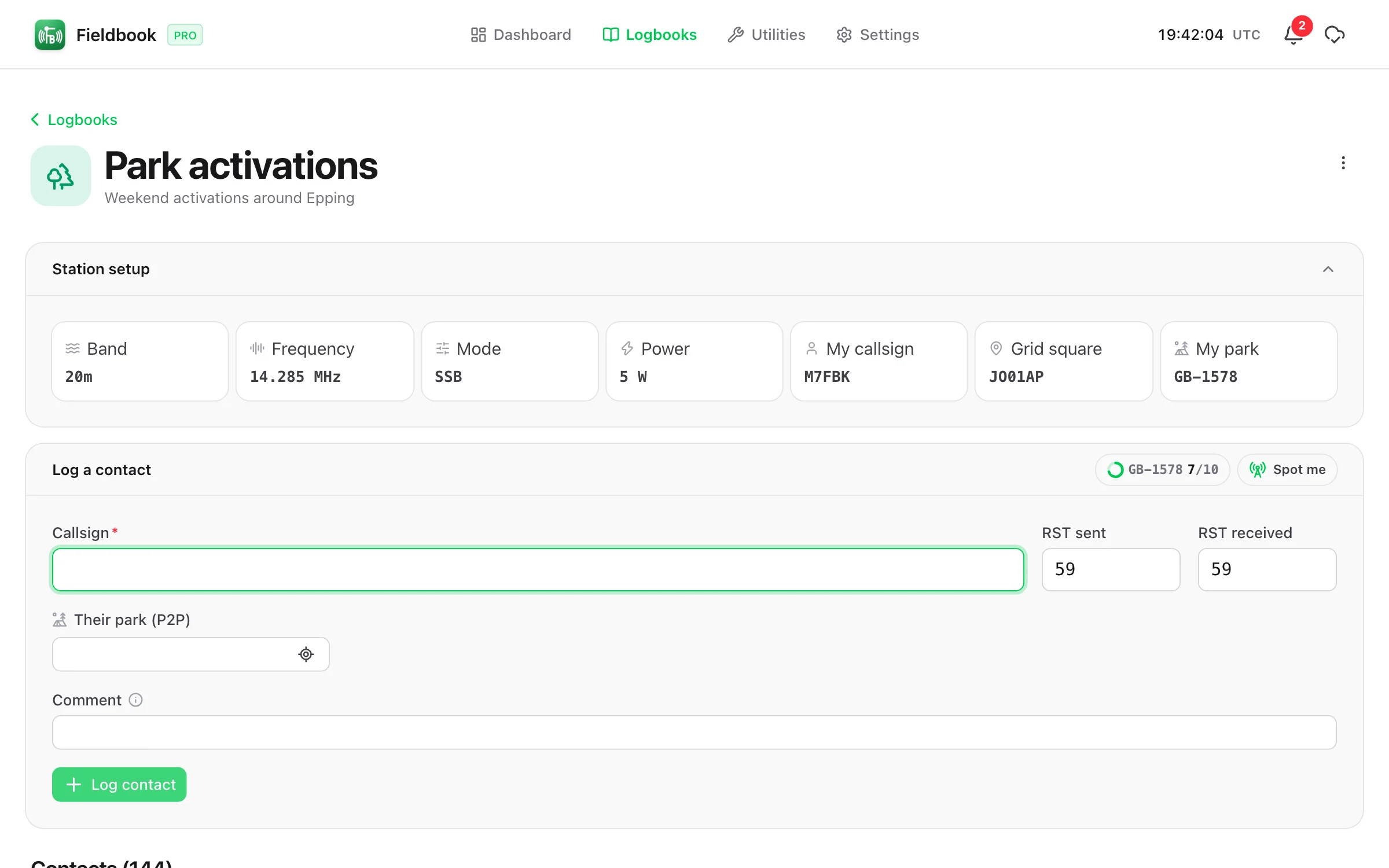
Type a callsign, hit log, and you're done.

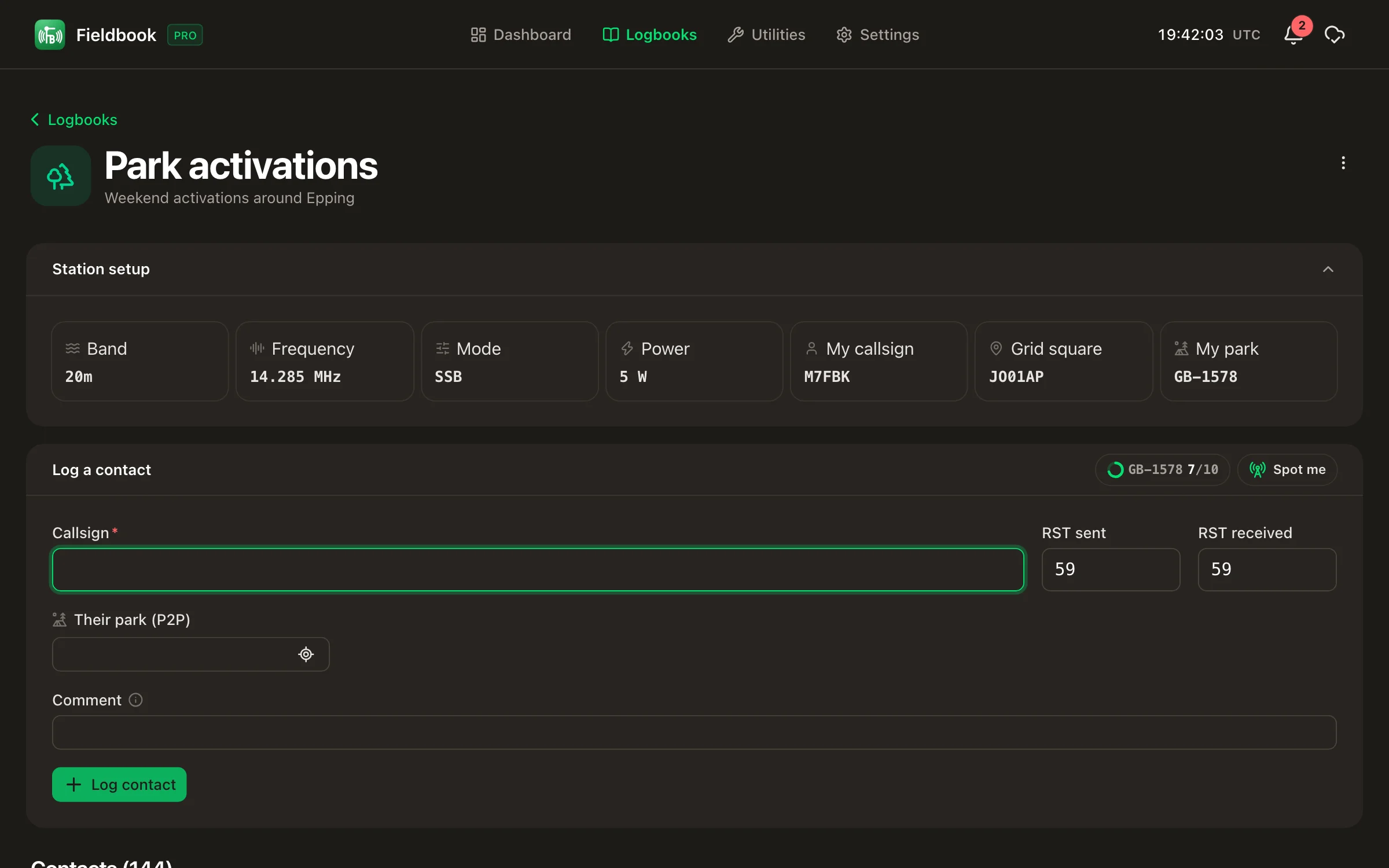
Set your band, frequency, mode and power once and Fieldbook remembers them between contacts. All you need to type is who you've just worked.

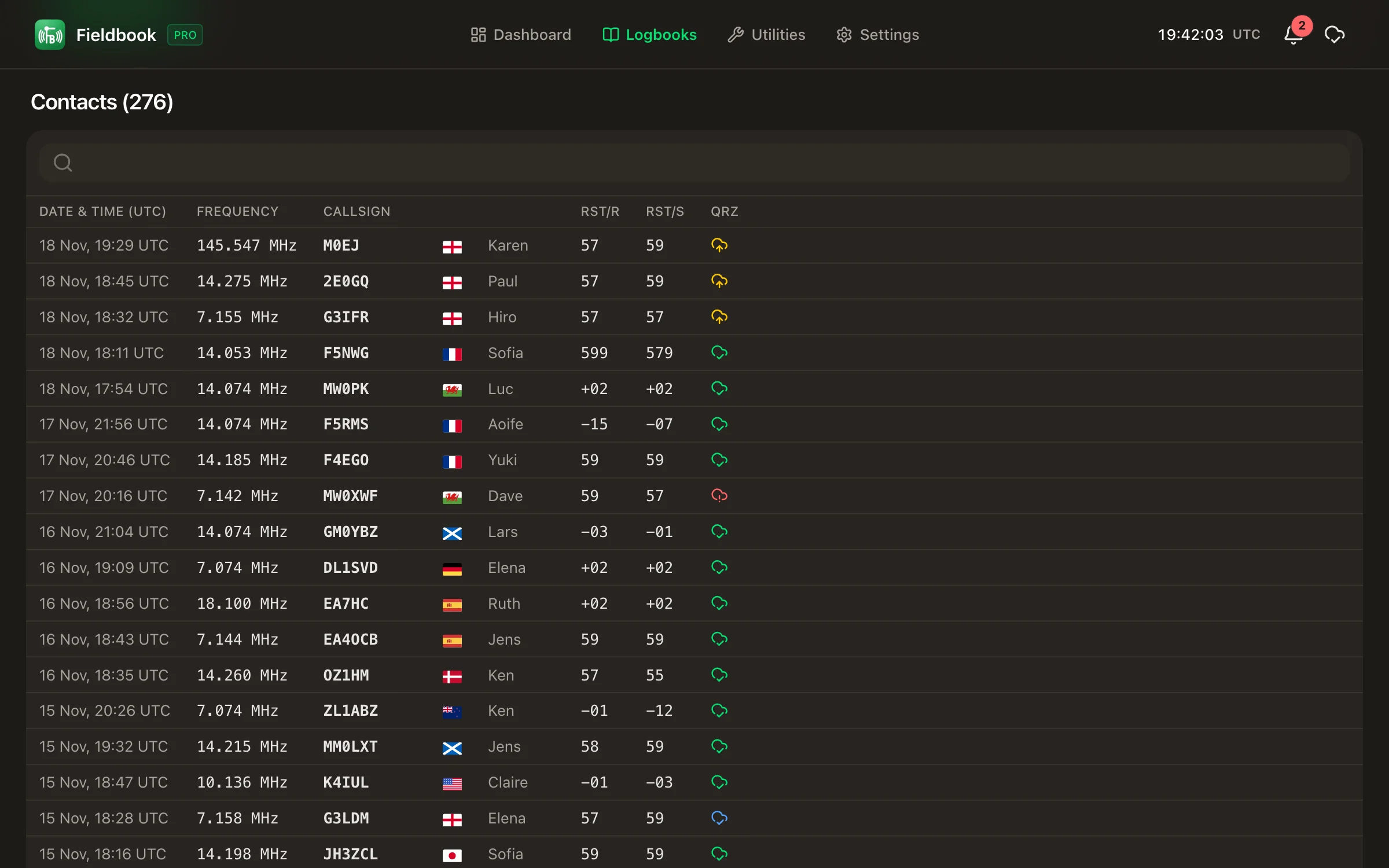
  • Free QRZ lookups, without signing in to QRZ
  • Search, bulk edit and merge your logbooks
  • Bring your old log over with ADIF
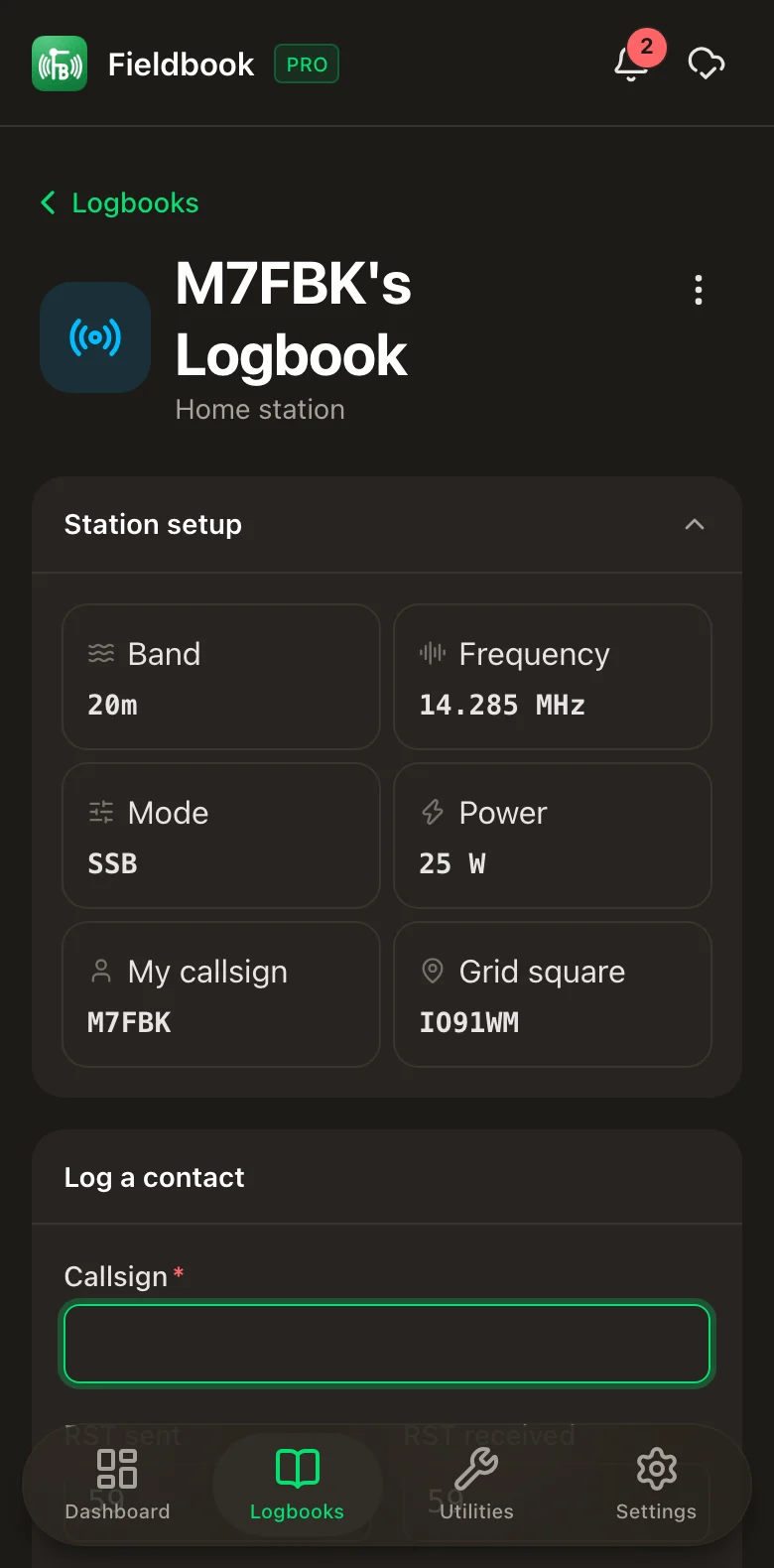
The same logbook on a phone, with the station setup and the log form

Dashboard and map

See where your signal's been.

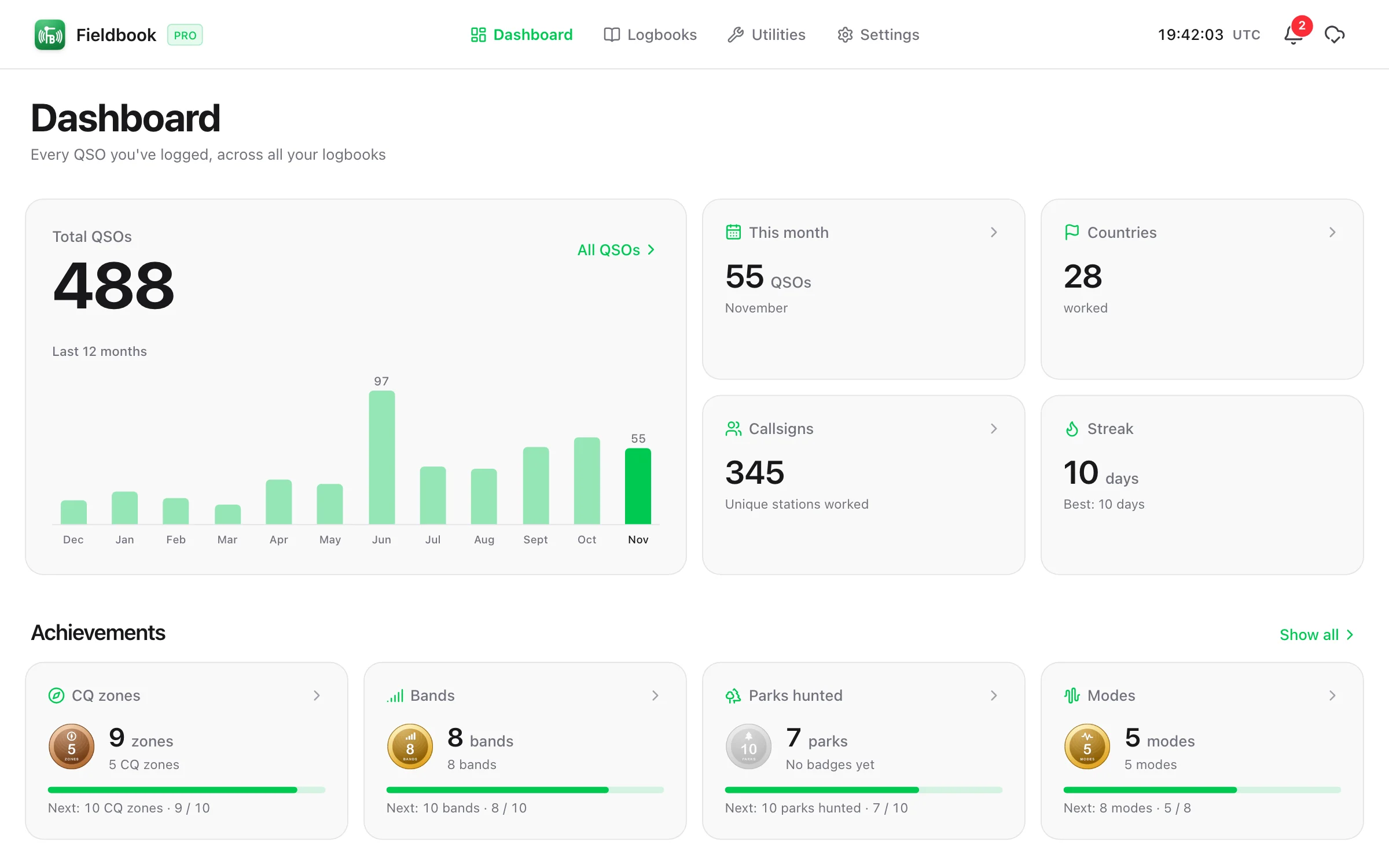
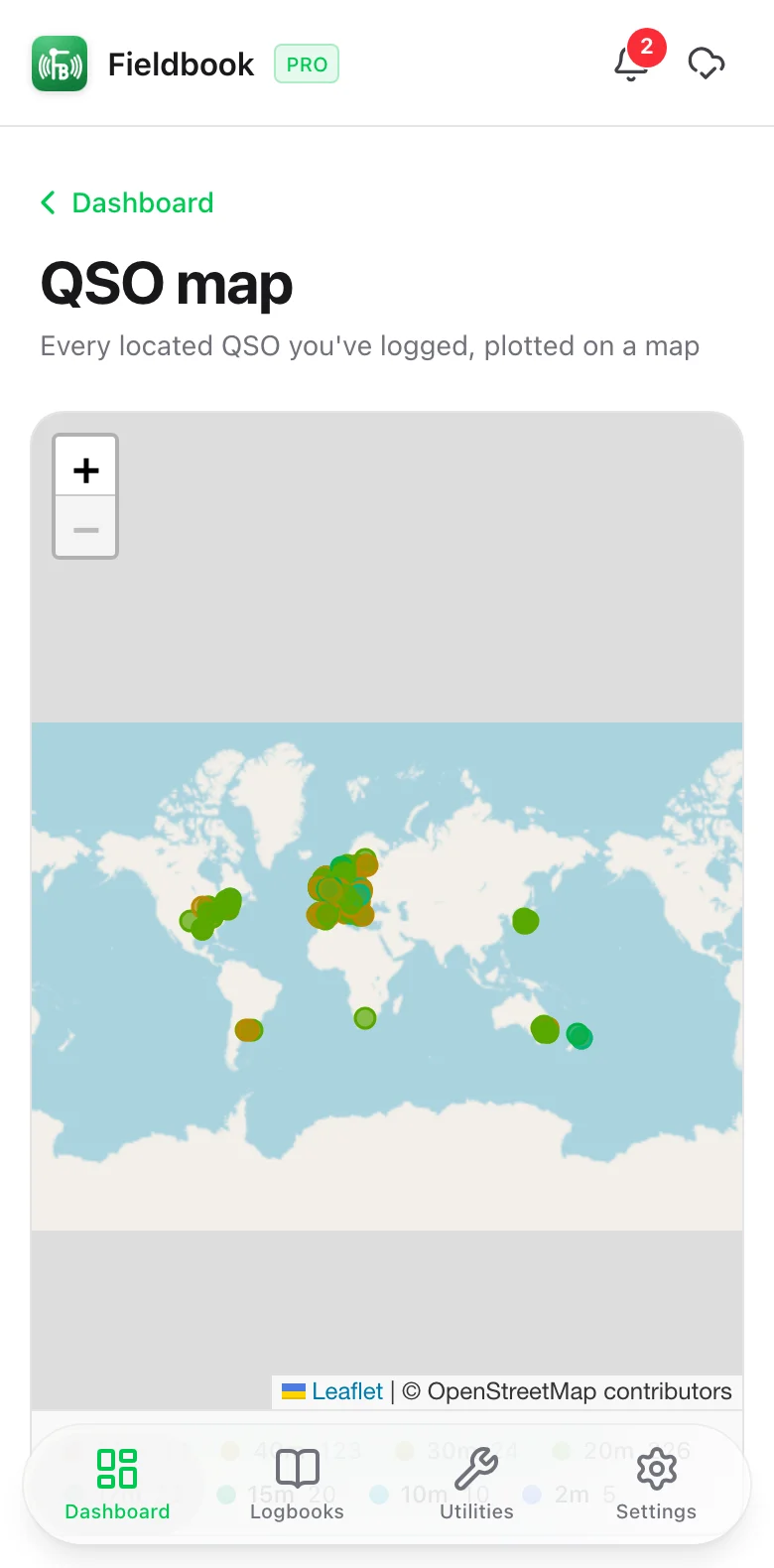
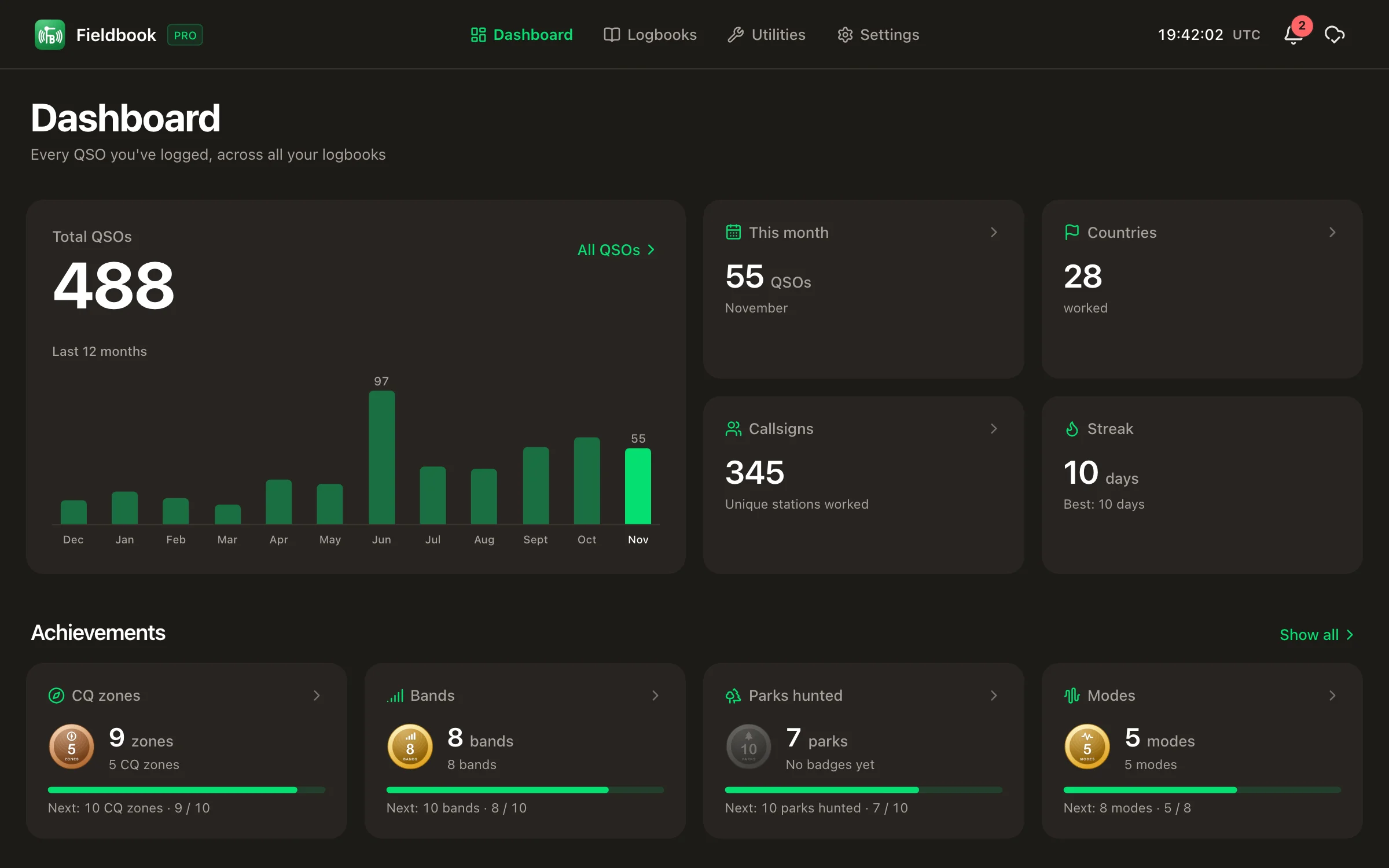
Keep an eye on your totals, countries worked and streaks, and see all of your contacts plotted on a map.

  • Your activity over the last 12 months
  • A map of every contact
  • Breakdowns by band, mode, country and more (Pro)
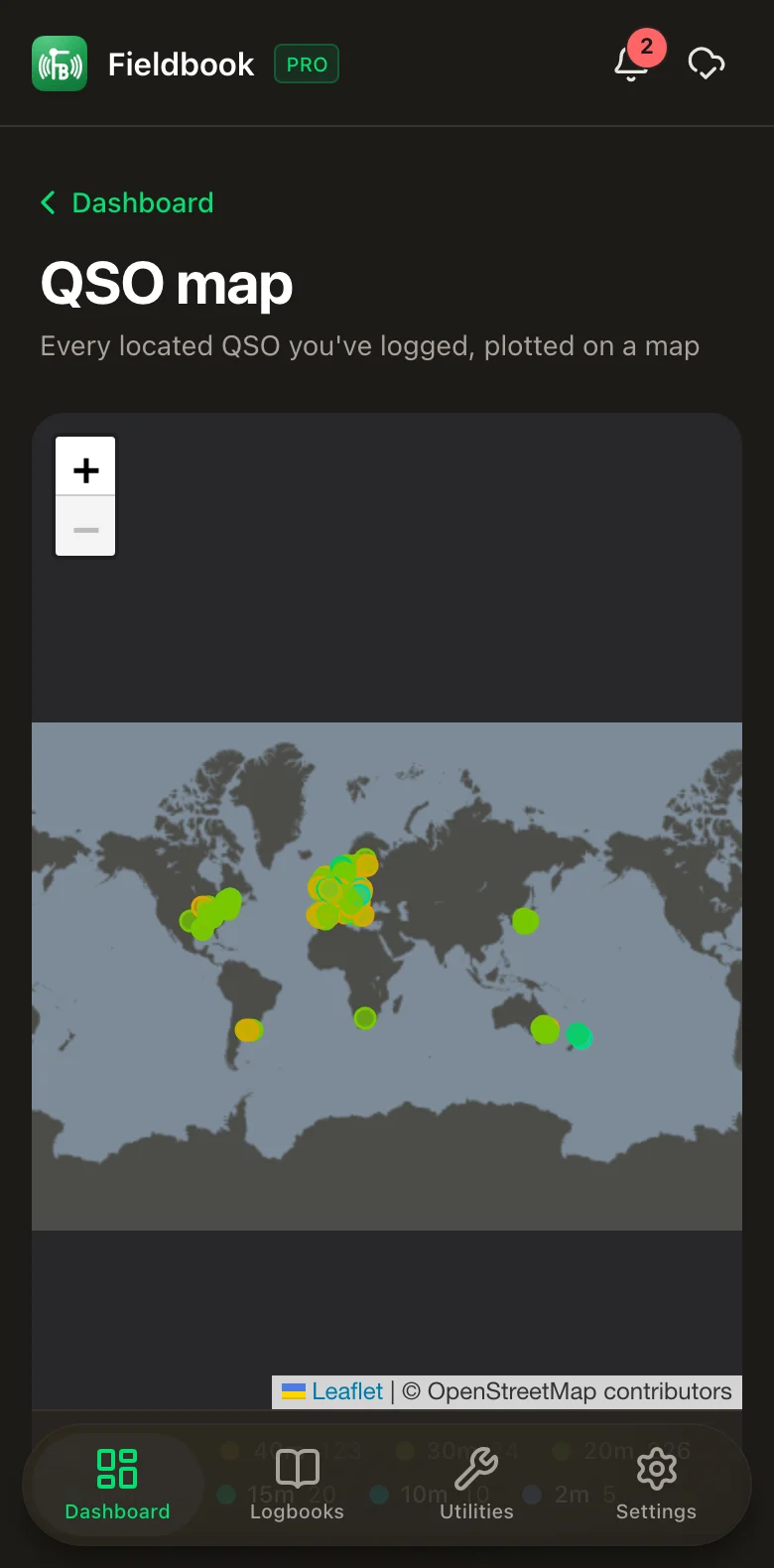
A map of every contact on a phone, coloured by band

History Pro

Made a mistake? Just undo it.

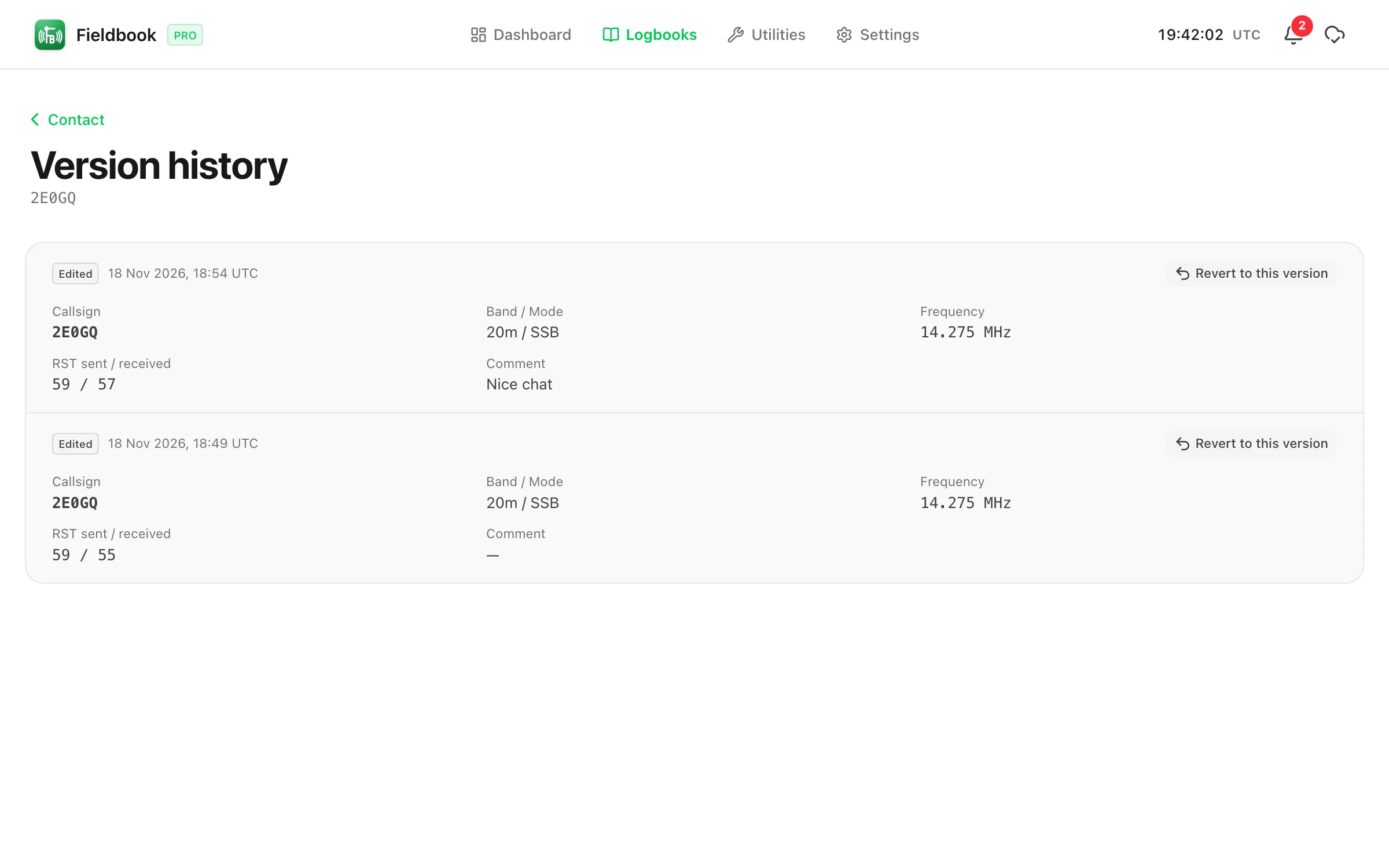
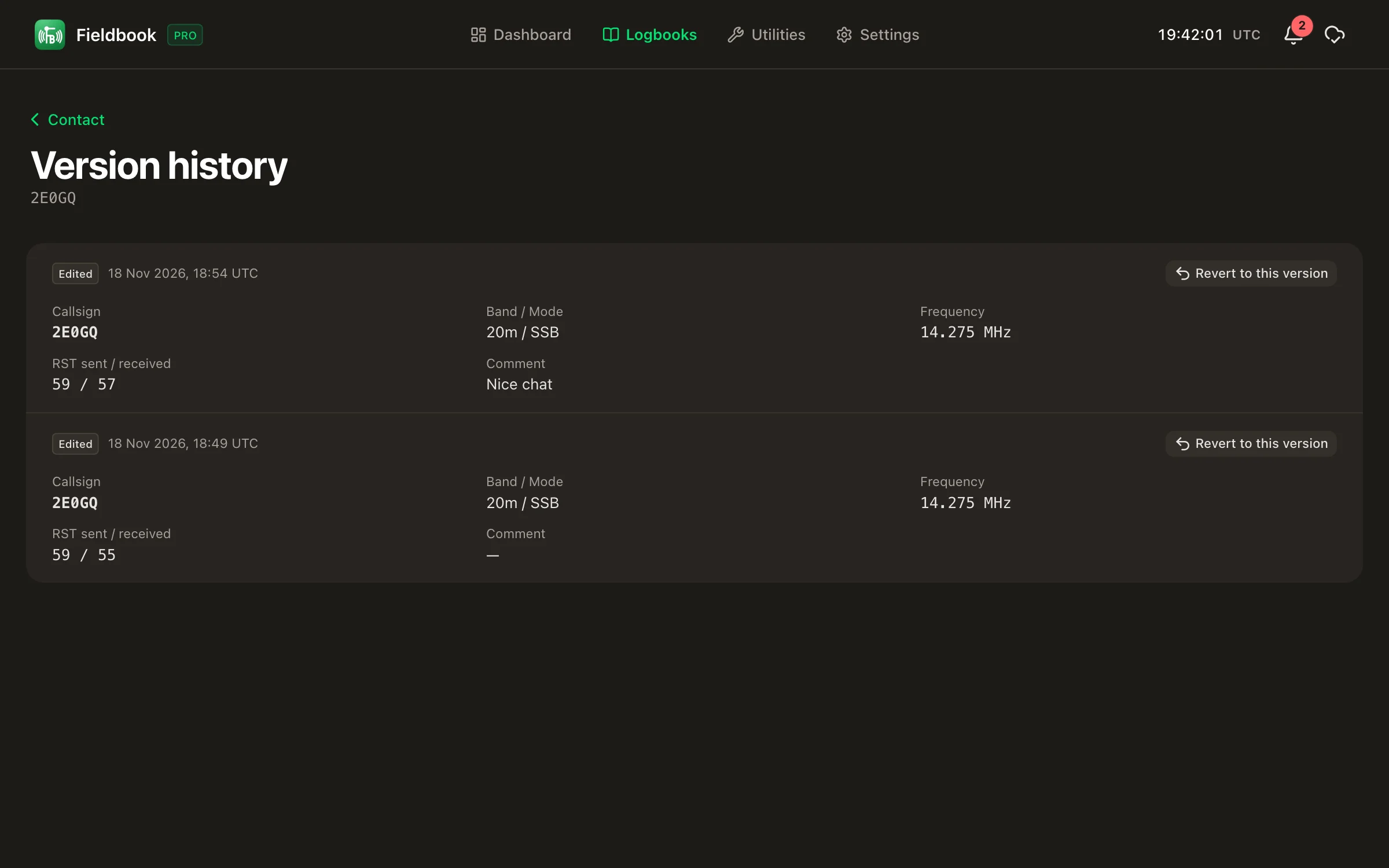
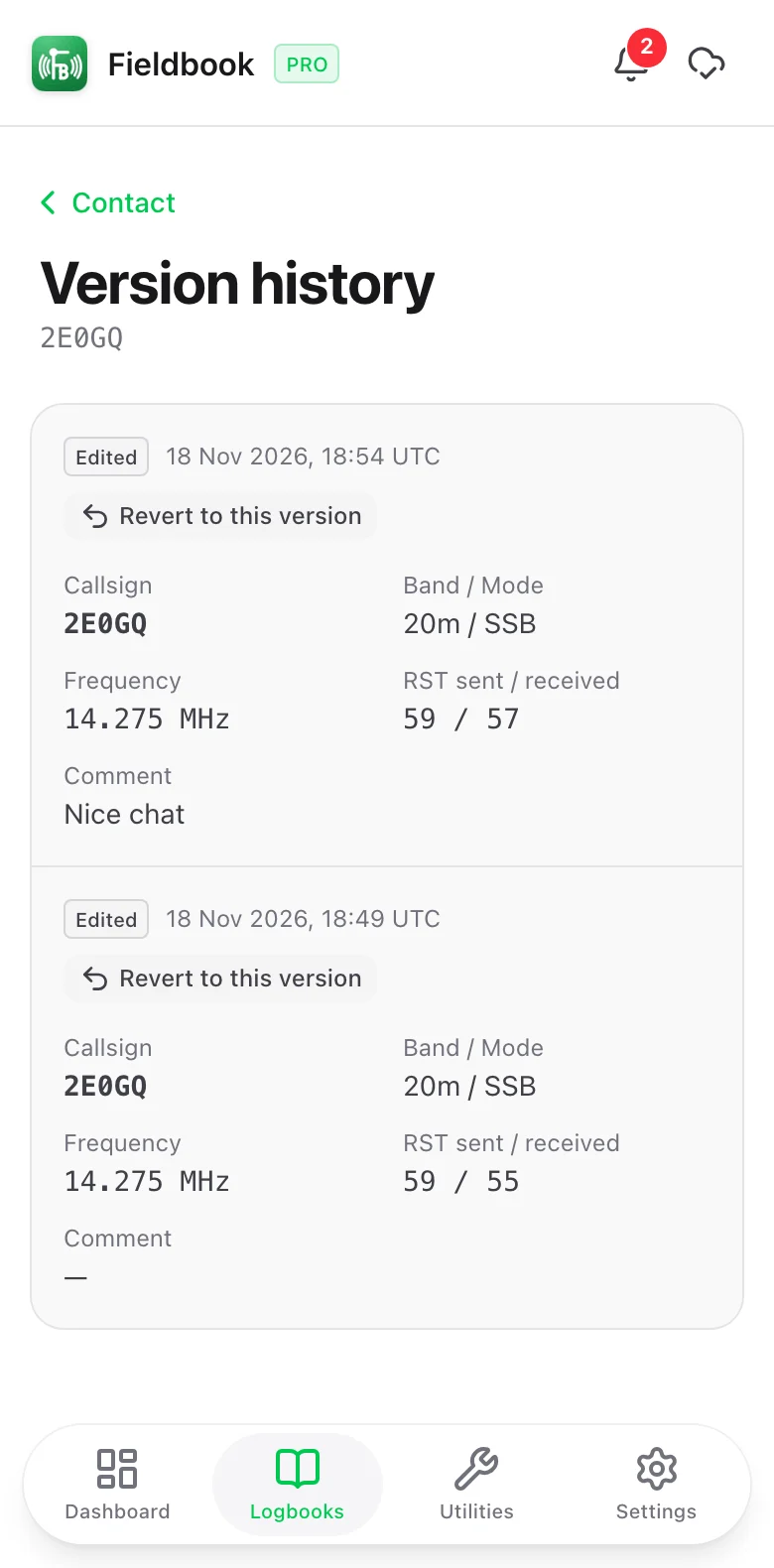
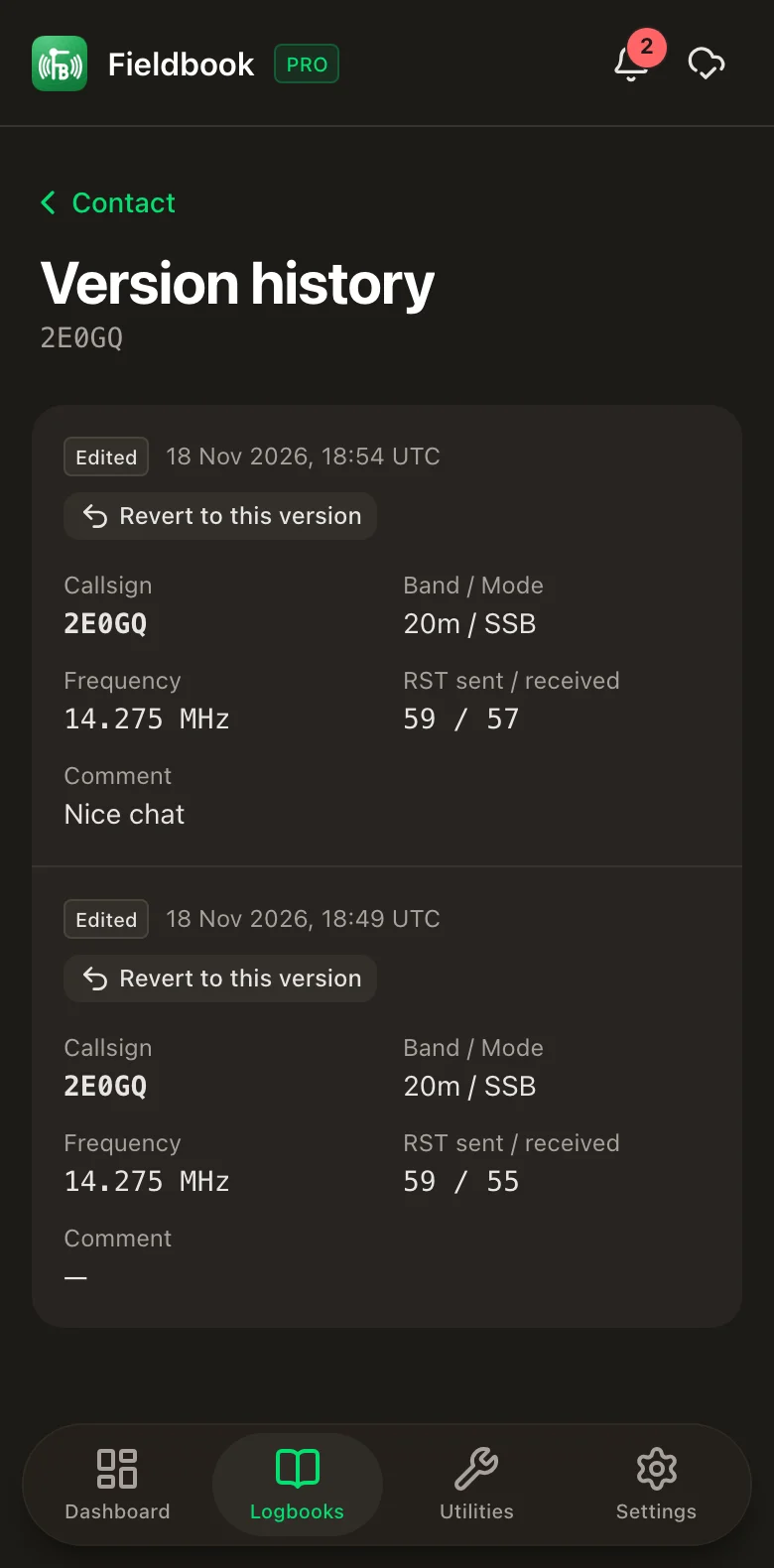
Every change to a contact is saved, so you can always go back to an earlier version. And if you delete one by accident, you can bring it back from the Trash.

  • Full edit history for every contact
  • Go back to any earlier version
  • Restore contacts you deleted by accident
The version history of a contact on a phone

QRZ Logbook Sync Pro

Logged it? It's on QRZ.

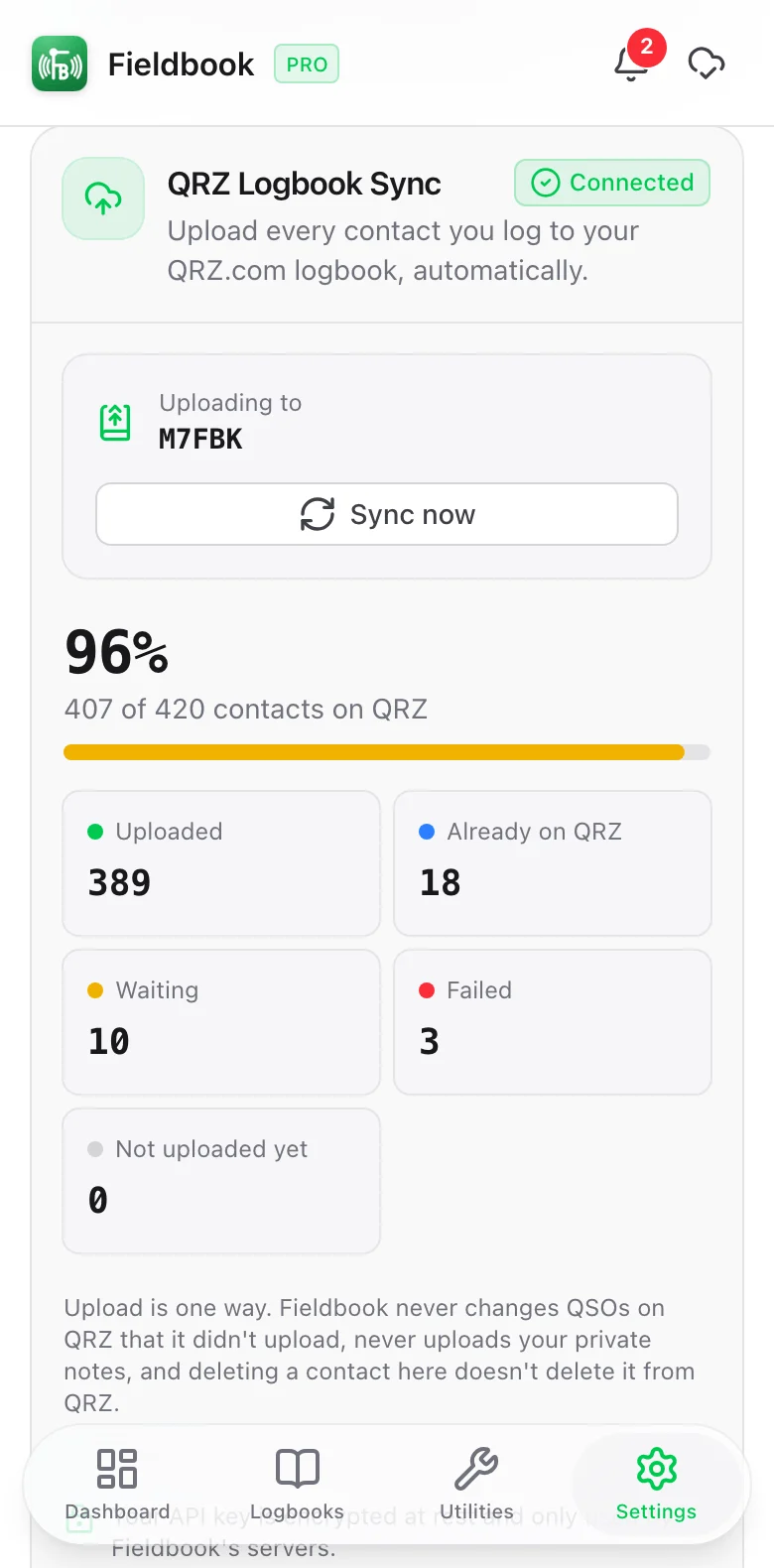
Connect your QRZ.com logbook and we'll push your contacts up to it as you log, old ones included. You'll just need a QRZ.com subscription with Logbook API access.

  • New contacts and edits go up automatically
  • Pick which logbooks go up
  • See which contacts have made it to QRZ
  • Your private notes never leave Fieldbook
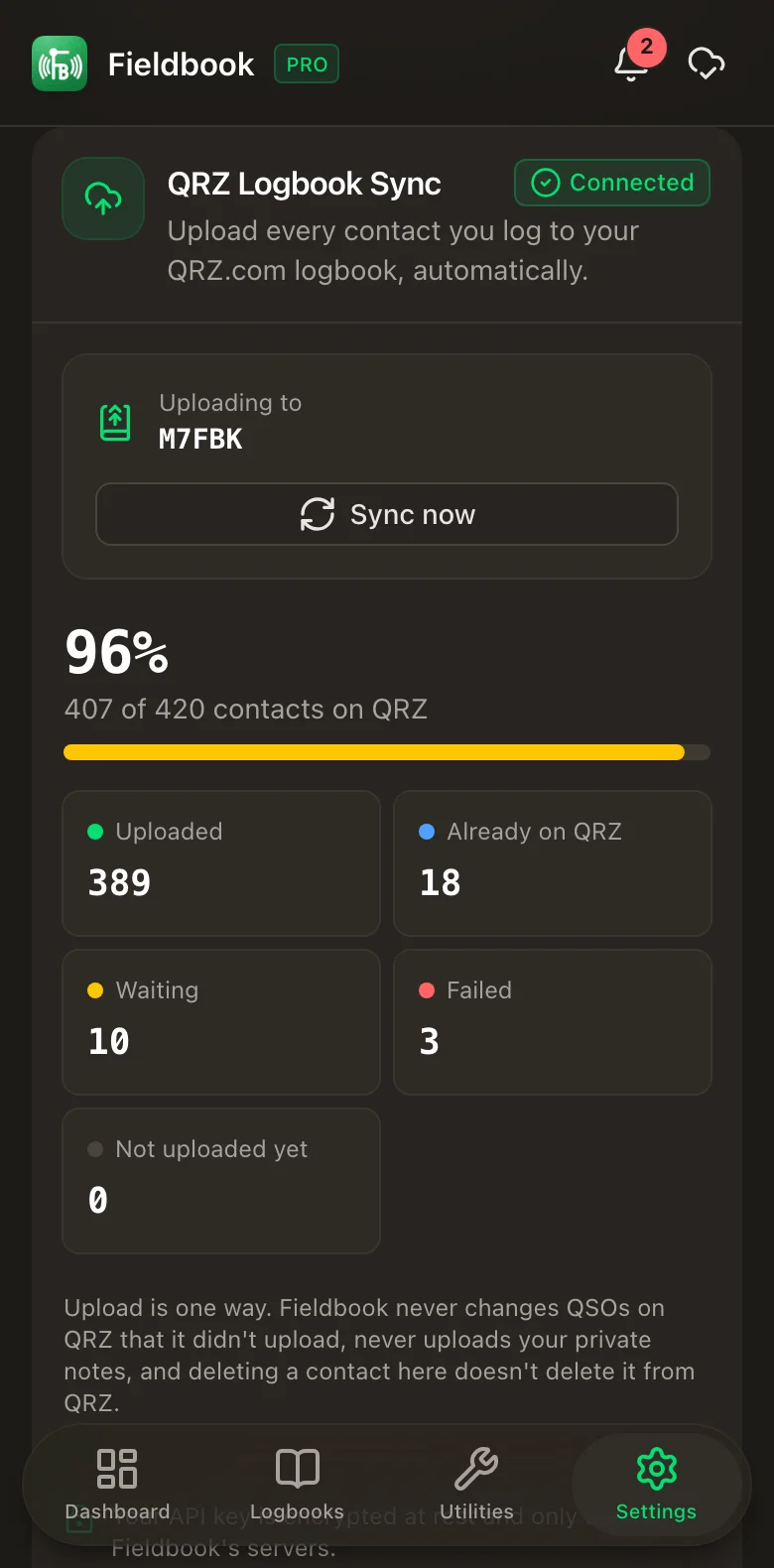
QRZ Logbook Sync on a phone, with how many contacts are on QRZ.com and how many are waiting to go up

Utilities

Handy tools for when you're on the air.

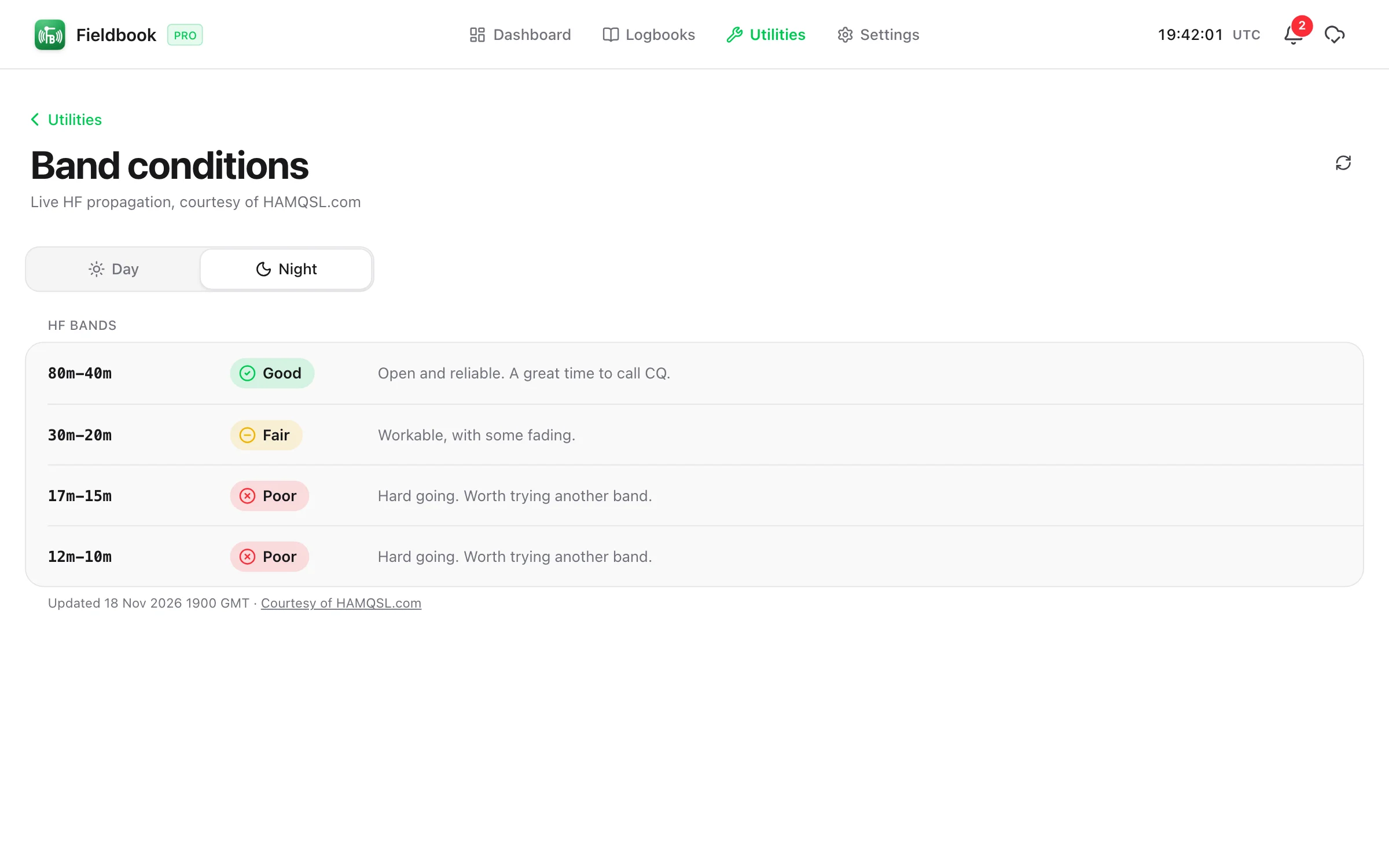
Check how the bands are looking, work out your locator, or how much wire you need for an antenna, without leaving the app.

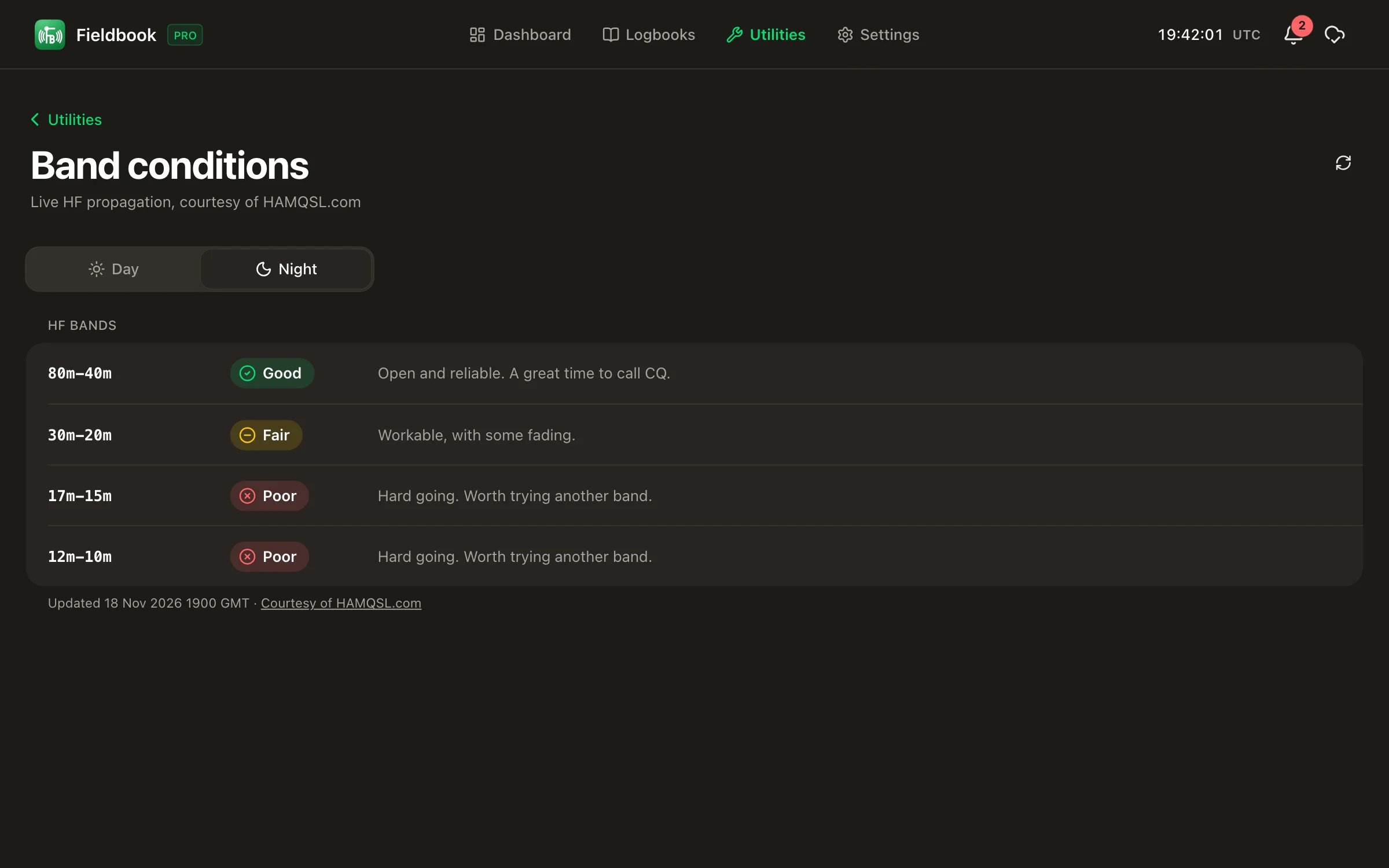
  • Band conditions, courtesy of HAMQSL.com
  • Maidenhead locator calculator
  • Antenna length calculator
Fieldbook
Band conditions in Fieldbook, with a day and night switch and a Good, Fair or Poor rating for each HF band

Widgets Pro

Show off your log, anywhere.

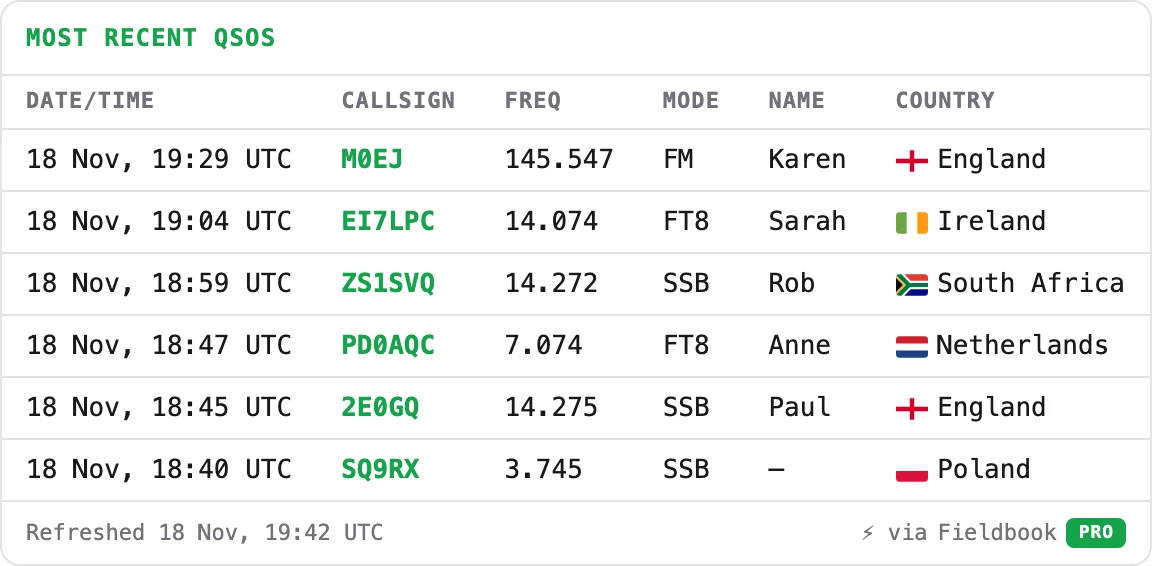
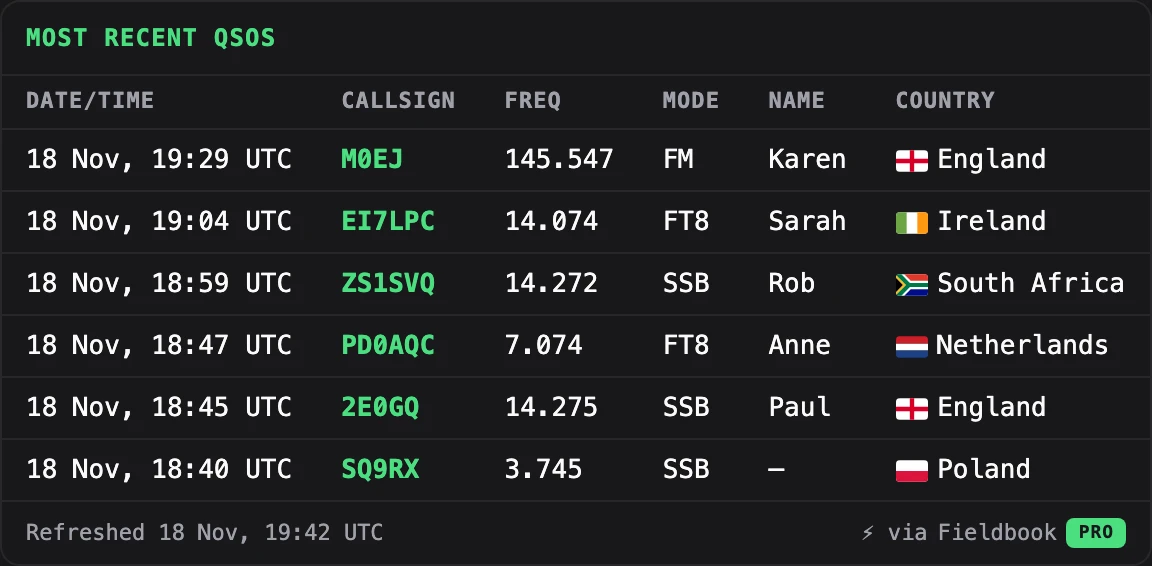
Add your latest contacts to your QRZ.com page or your own website. The widget updates by itself as you log, so visitors always see what you've been working.

  1. Turn on the widgets you want in Settings, then Widgets.
  2. Copy the embed code for each one.
  3. Paste it into your QRZ.com biography or any web page.

There are widgets for a map of your contacts, your monthly activity and the countries you've worked too.

How to add a widget
Your website
The Most recent QSOs widget: date, callsign, frequency, mode, name and country for the last six contacts

Everything for POTA, in one place.

Whether you're out activating or hunting from home, it's all built in. No extra apps, no spreadsheets.

Activating

Off to activate a park? It's ready when you are.

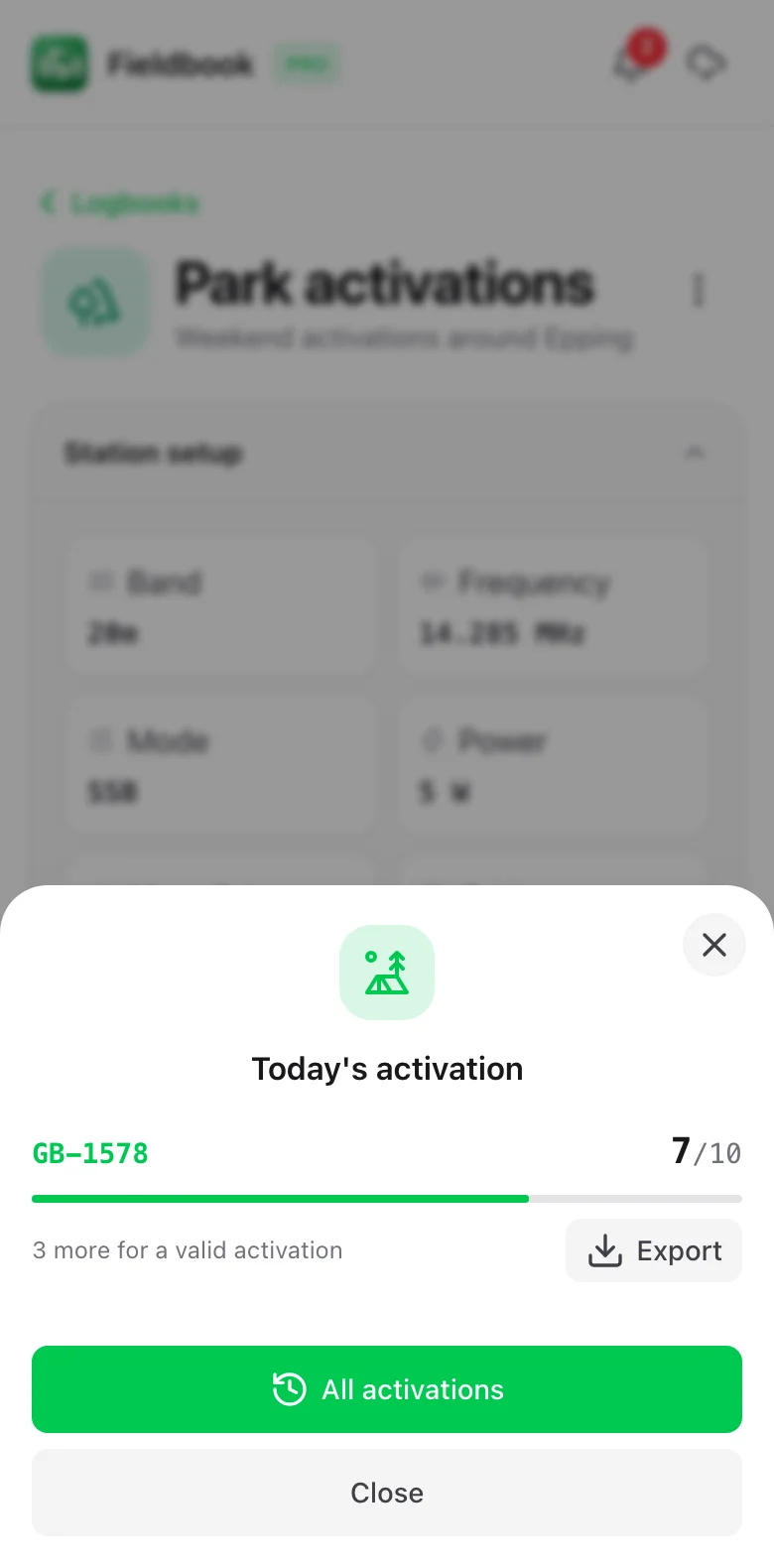
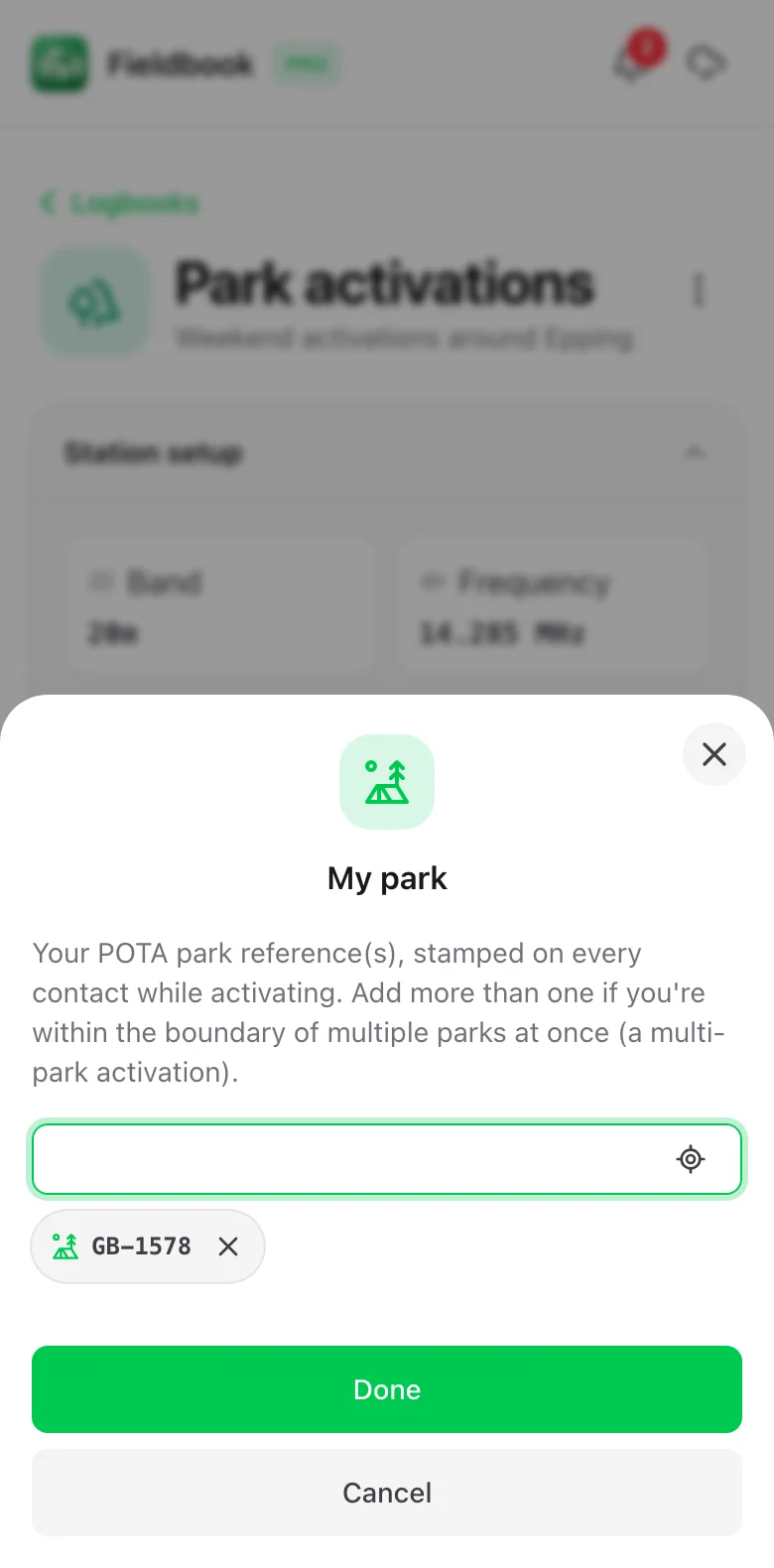
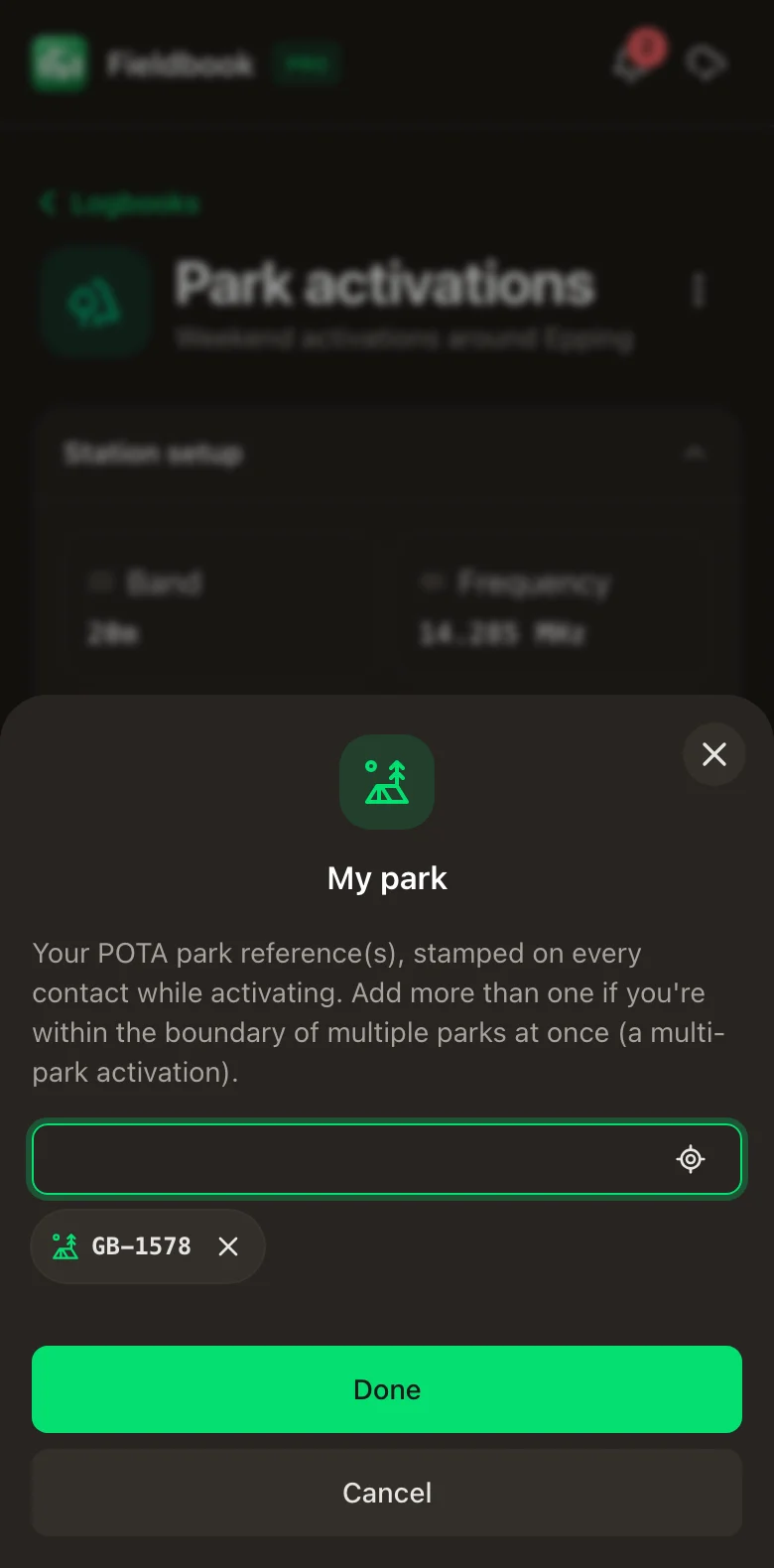
Pick the POTA template and set your park, or let Fieldbook find the ones nearest you, even with no signal. As you log, you can see how many contacts you've made, and when you've got enough for a successful activation. Spot yourself so hunters can find you, and when you're home, export the file POTA wants for each activation.

  • Find parks by name, reference or what's nearby, even offline
  • See when you've made enough contacts for a successful activation
  • Spot yourself without leaving the log
  • Park to park contacts filled in from the spots
  • A file for each activation, named the way POTA wants
  • Every activation you've done, at a glance (Pro)
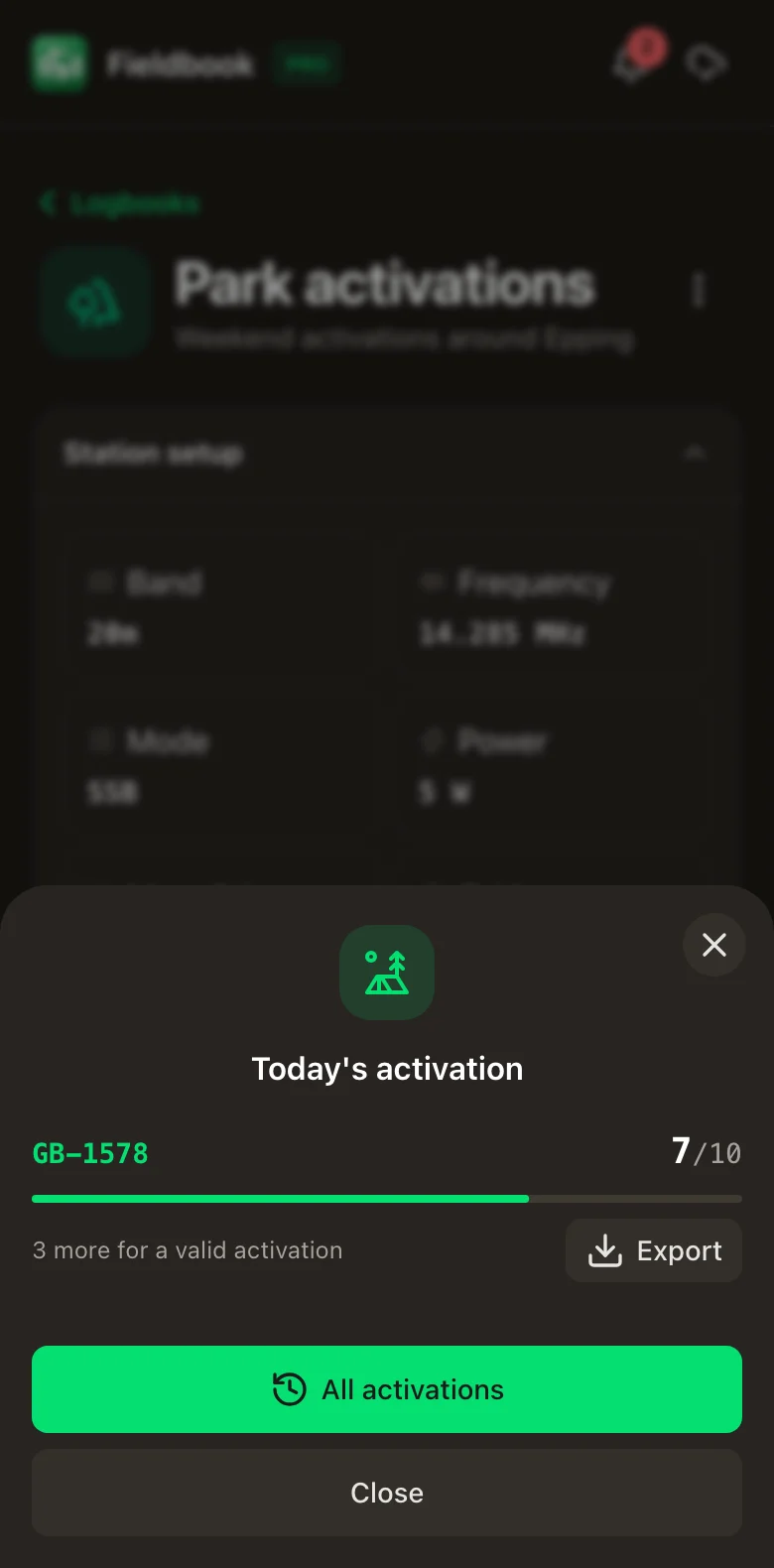
Today's activation on a phone: GB-1578 Epping Forest, with the contacts made so far, how many more are needed and an Export button

Hunting

Chasing parks? See who's out there.

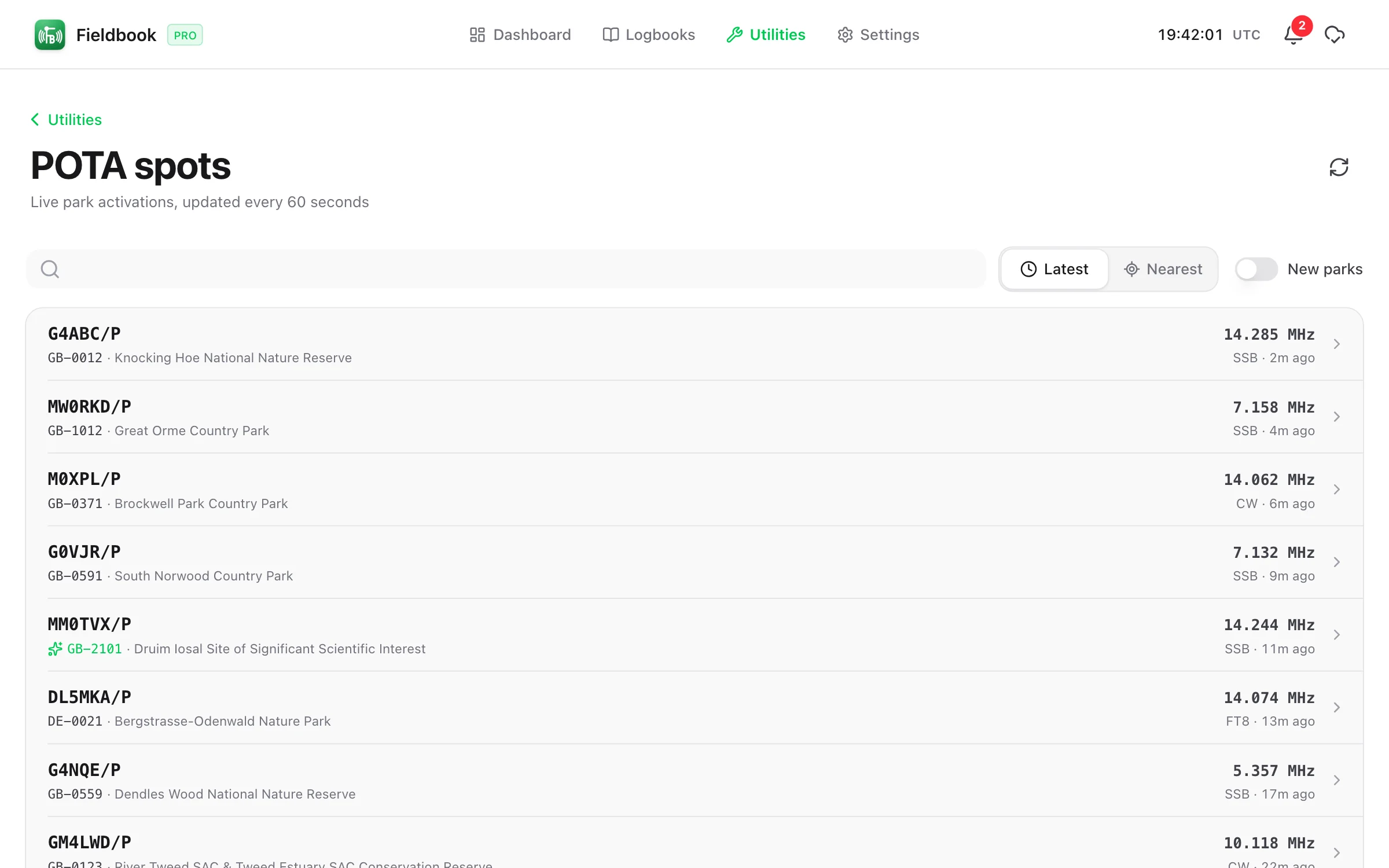
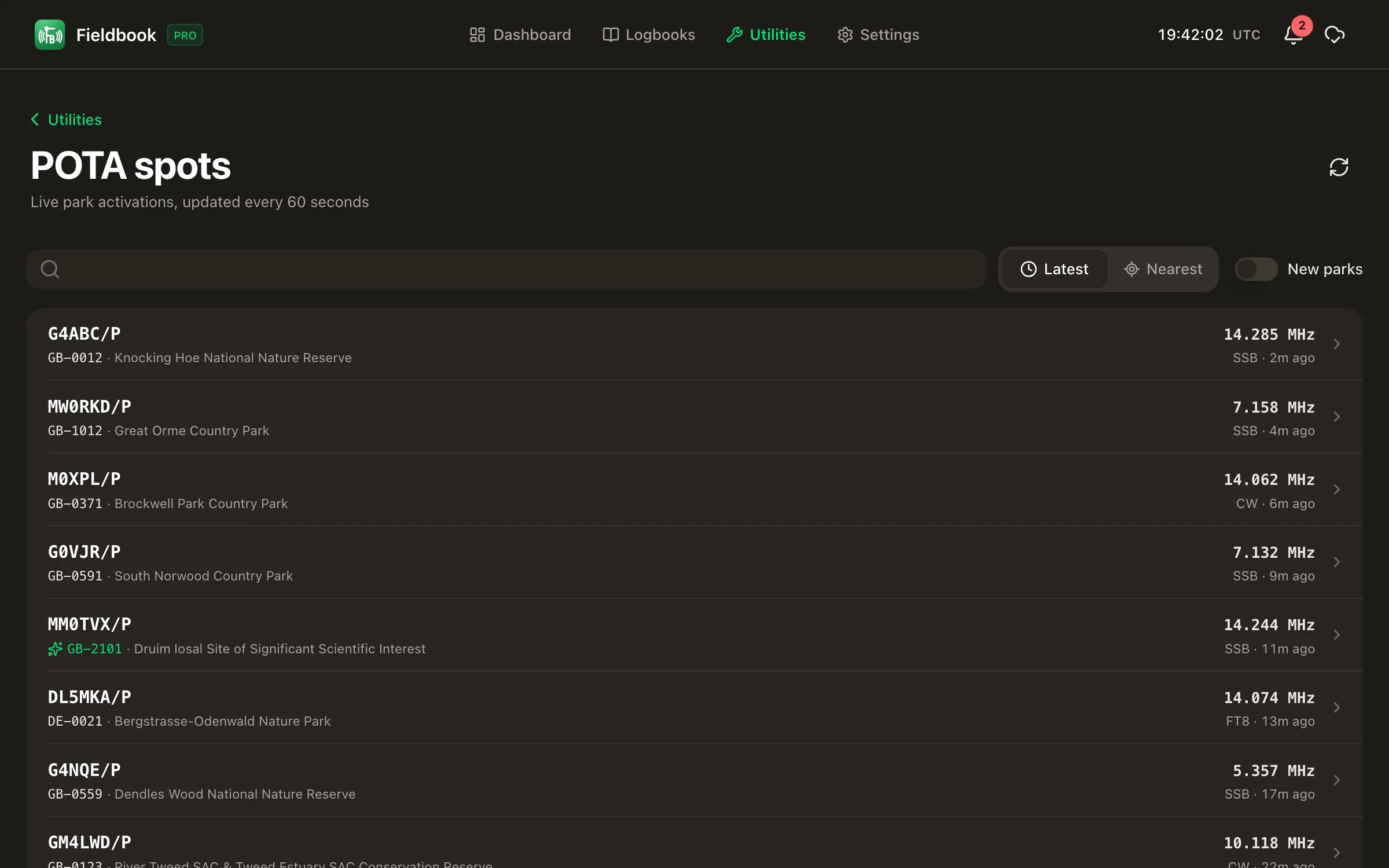
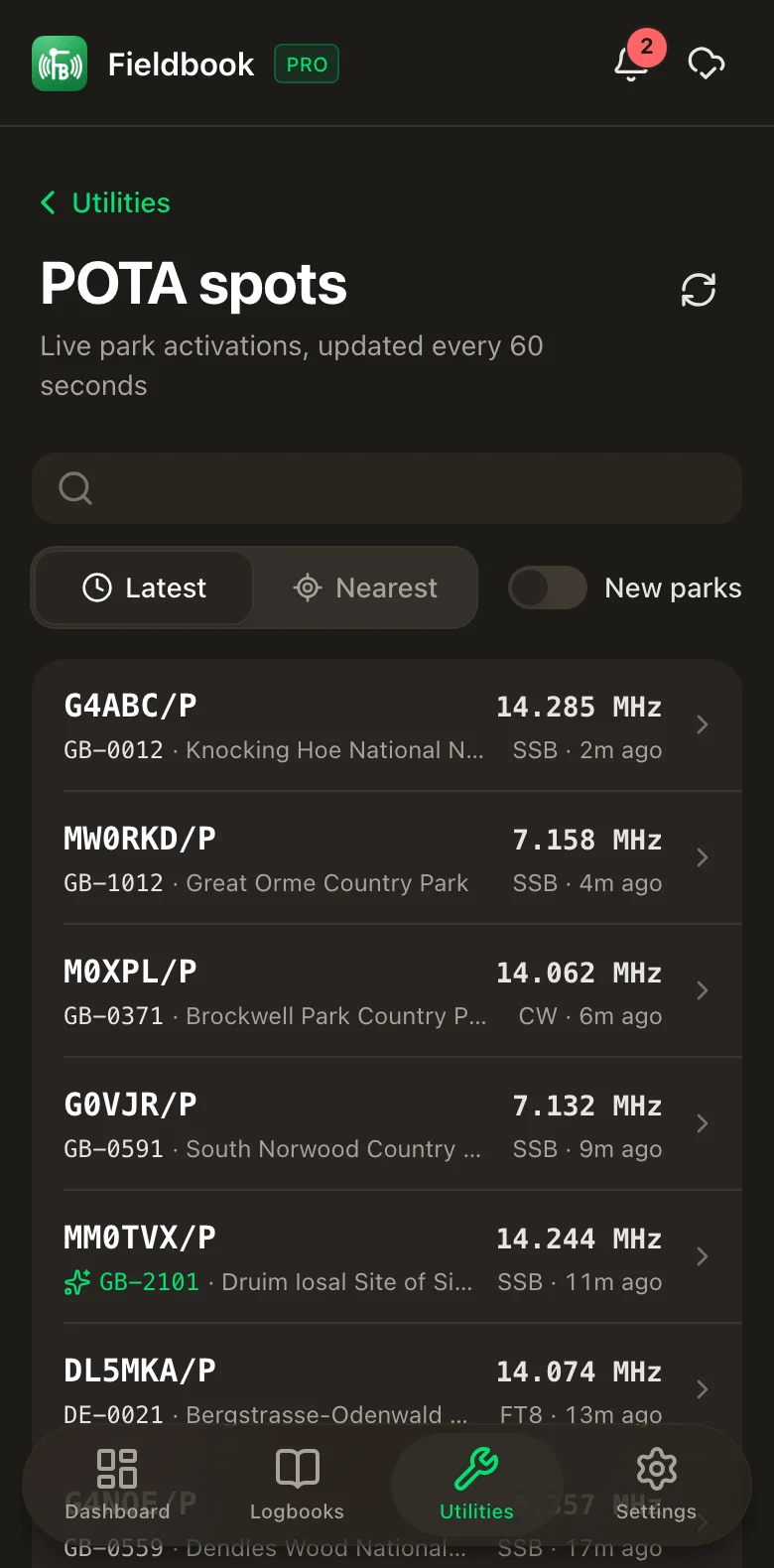
Live spots update every minute, with the nearest activators first if you like. Tap one to see the park on a map, where it is and what the activator's been saying. With Pro, Fieldbook keeps track of the parks you've worked, so the new ones stand out.

  • Live spots, updated every minute
  • The nearest activators first
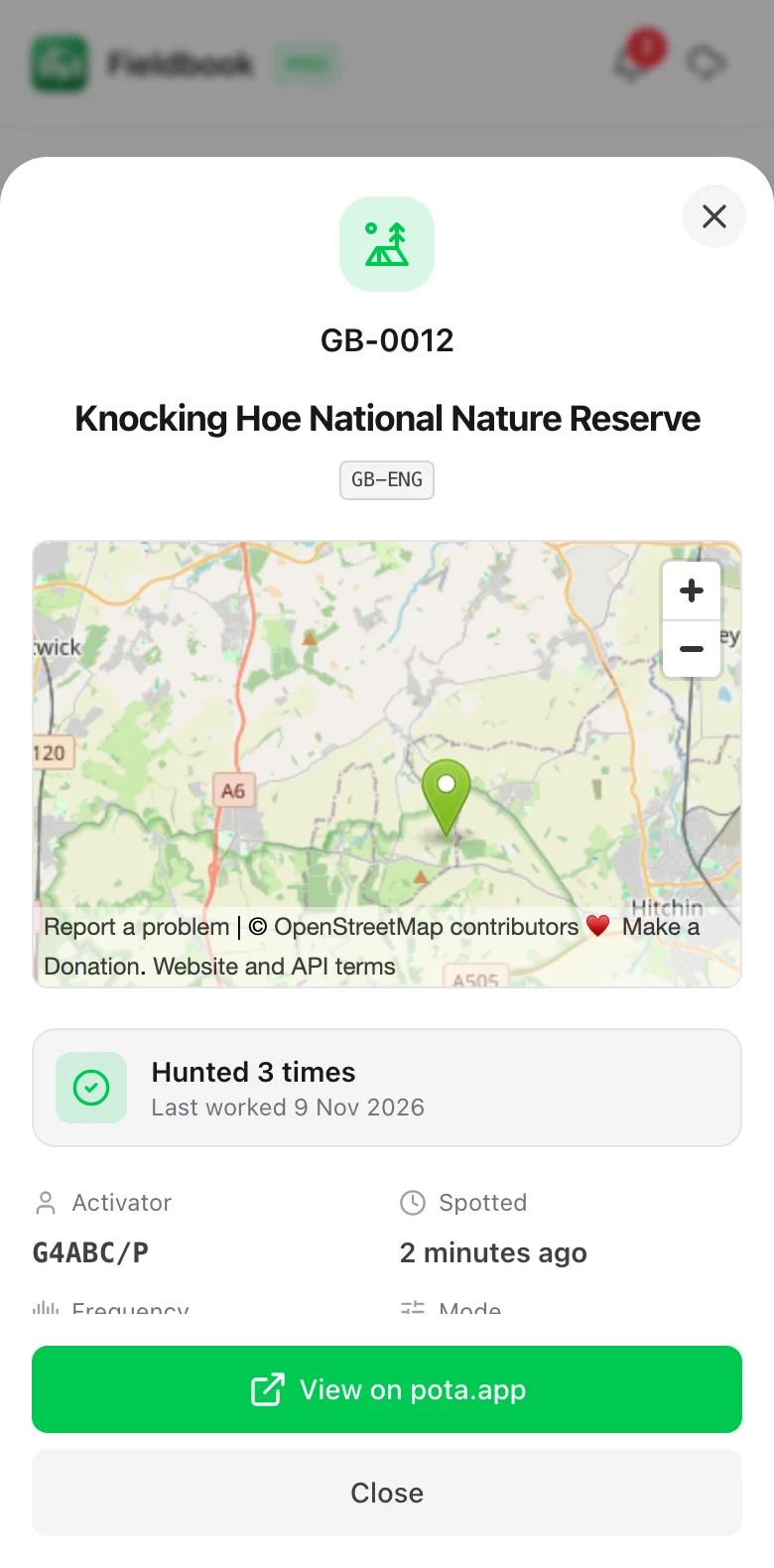
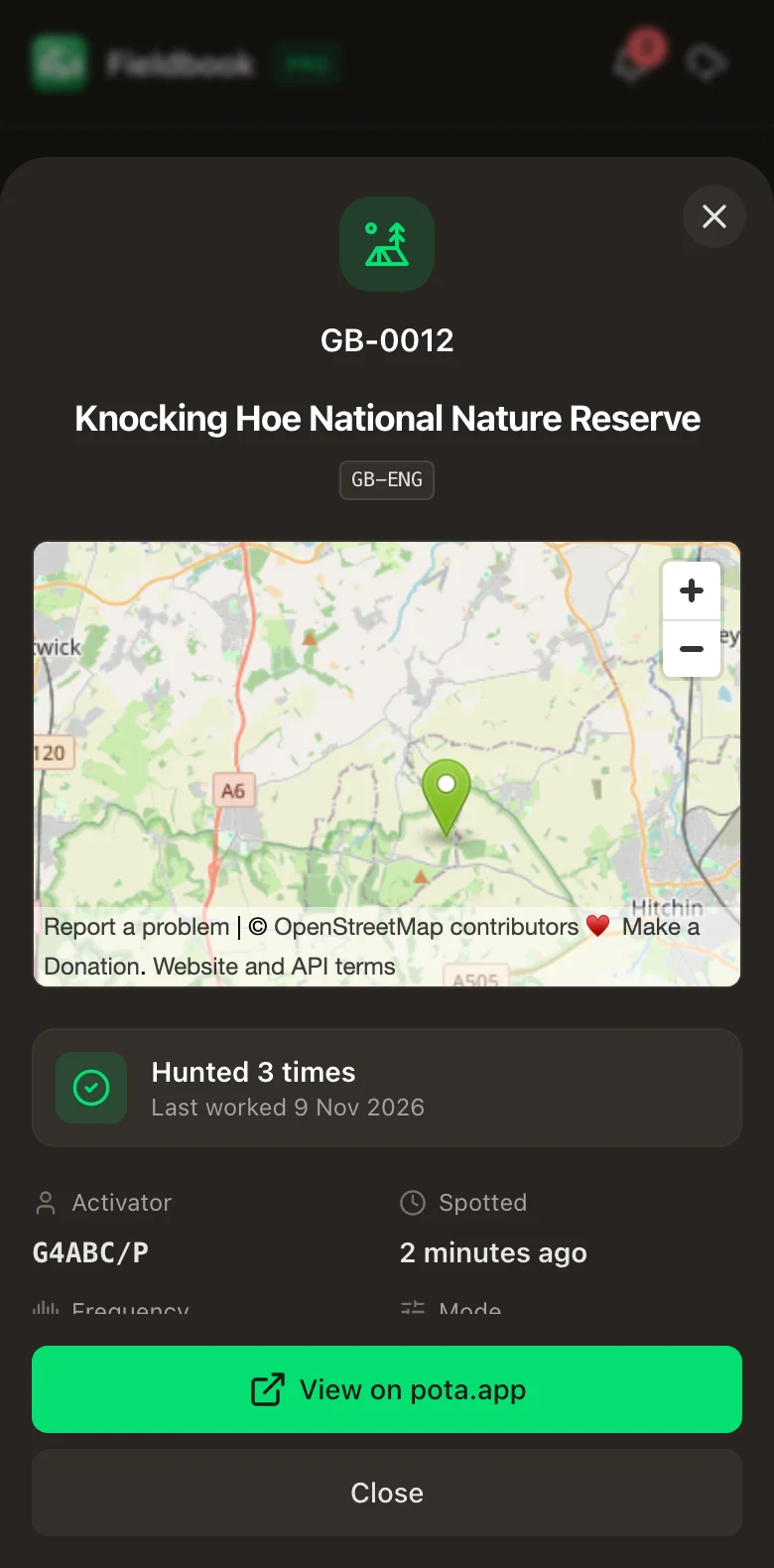
  • Tap a spot for the park, a map and its grid square
  • New parks flagged, so you know who to chase (Pro)
  • How often you've worked a park, and when (Pro)
The details of park GB-0012, Knocking Hoe National Nature Reserve, on a phone: a map of the park, a New park badge, and the activator G4ABC/P on 14.285 MHz SSB

Live spots

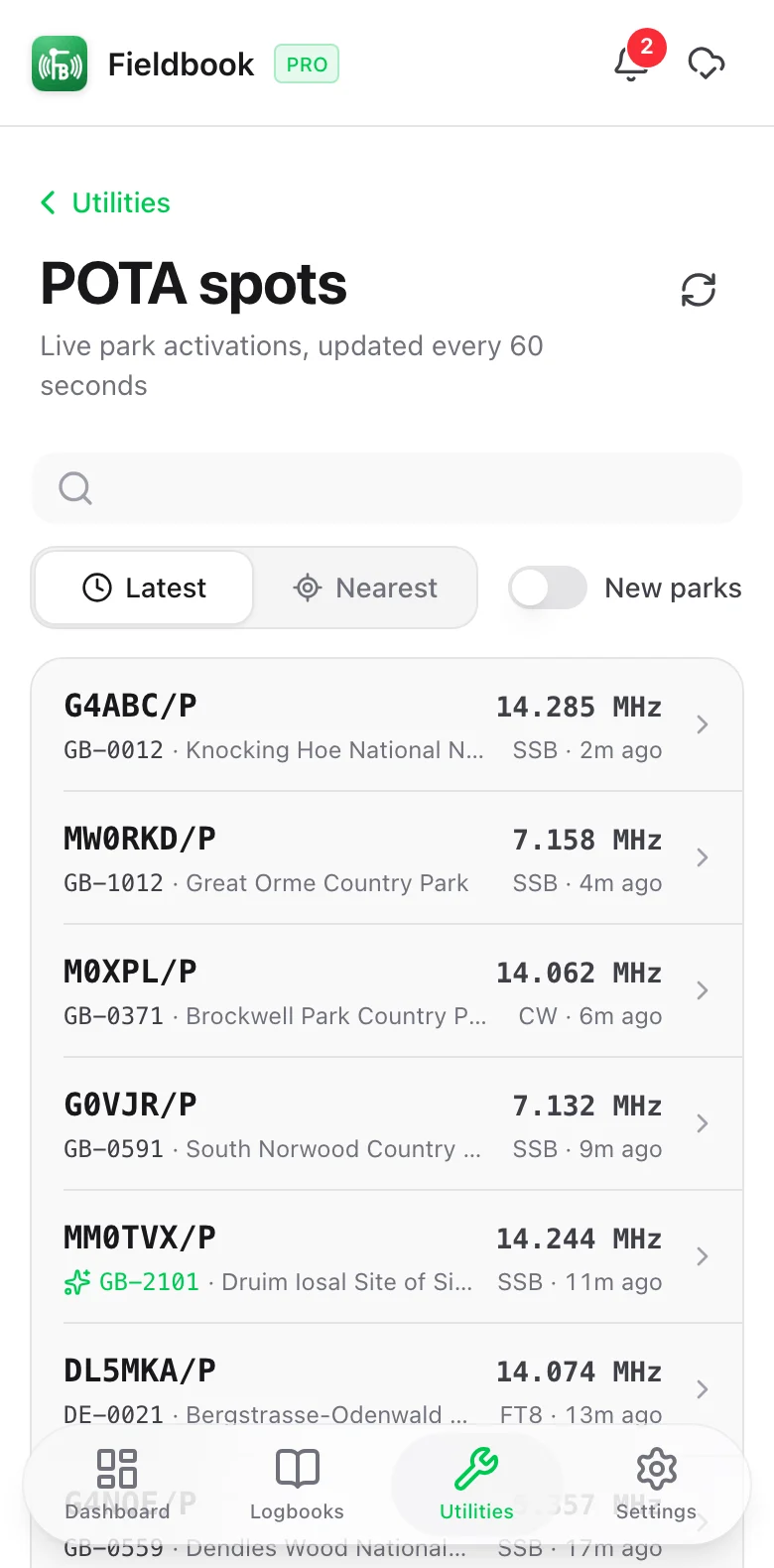
Who's out activating right now, updated every minute. Sort by the latest or the nearest, and tap one to see the park on a map.

Live POTA spots on a phone, with the activator, park, frequency and mode for each one

Parks near you

Not sure which park you're in? Fieldbook finds the nearest ones from your location, even with no signal.

The nearest parks on a phone, each with its reference, name and distance

Spot yourself

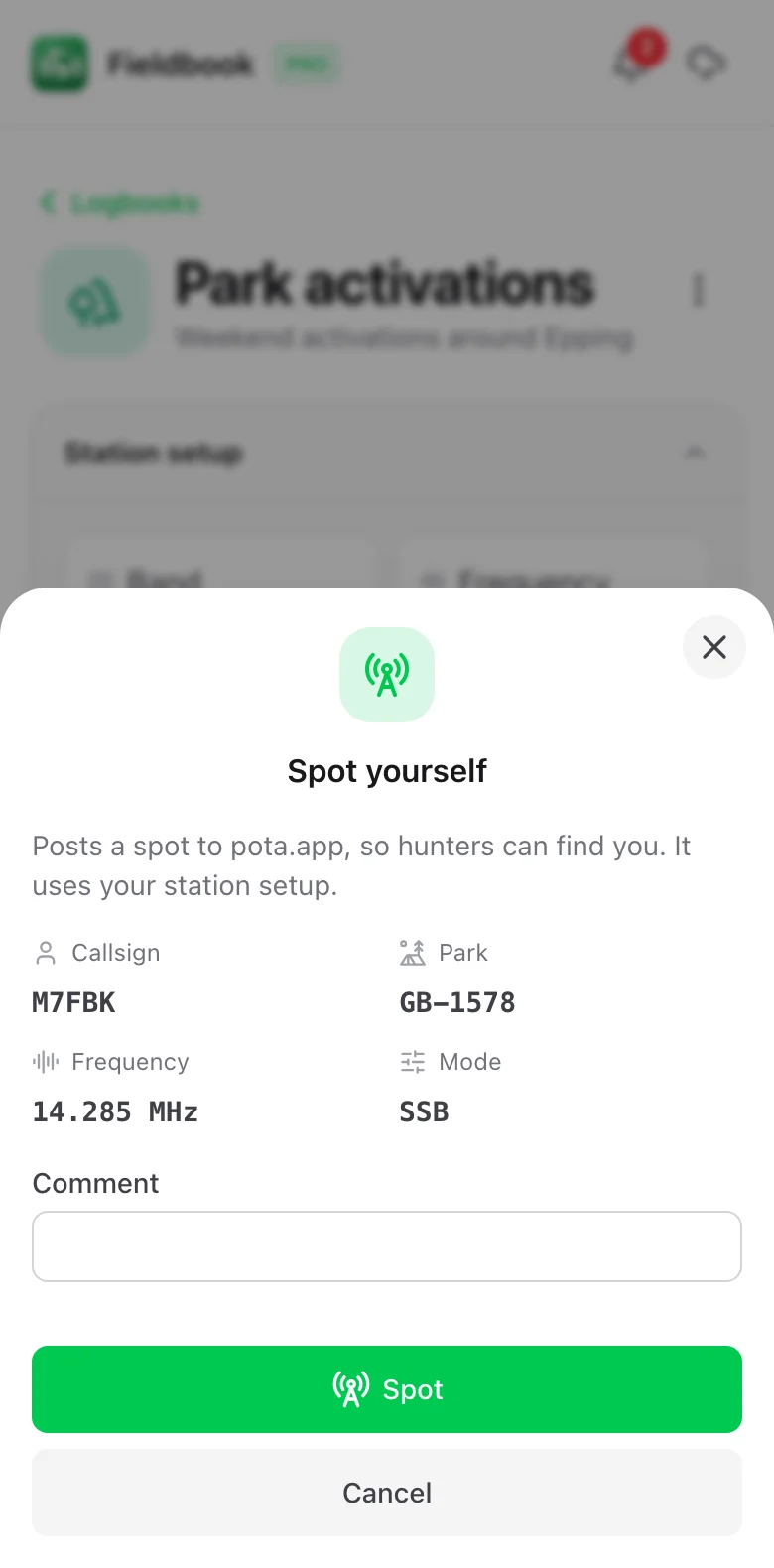
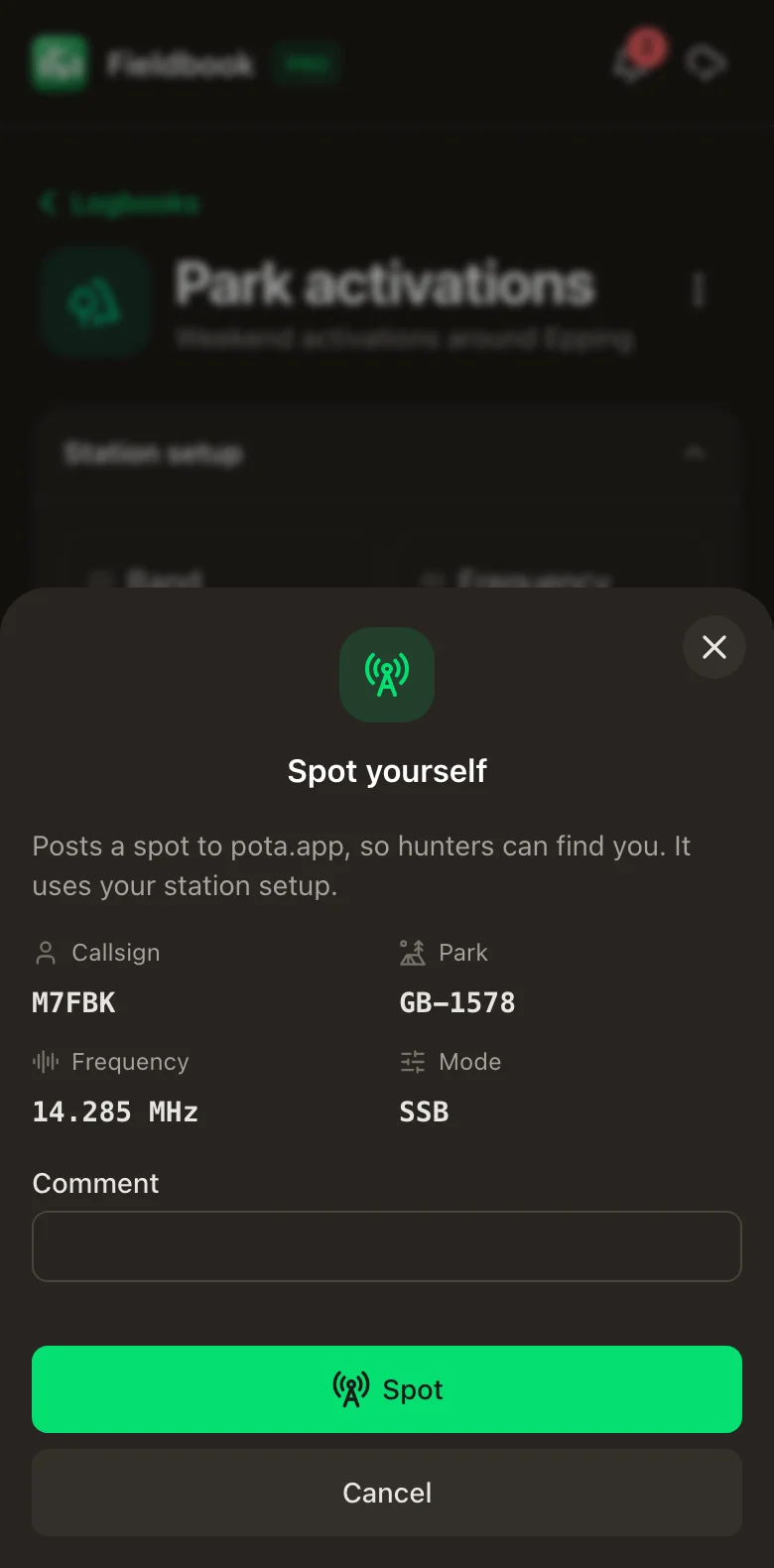
Let hunters know where to find you, straight from your logbook. Your park, frequency and mode are filled in for you.

The Spot yourself sheet on a phone, with the callsign, park, frequency and mode ready to send

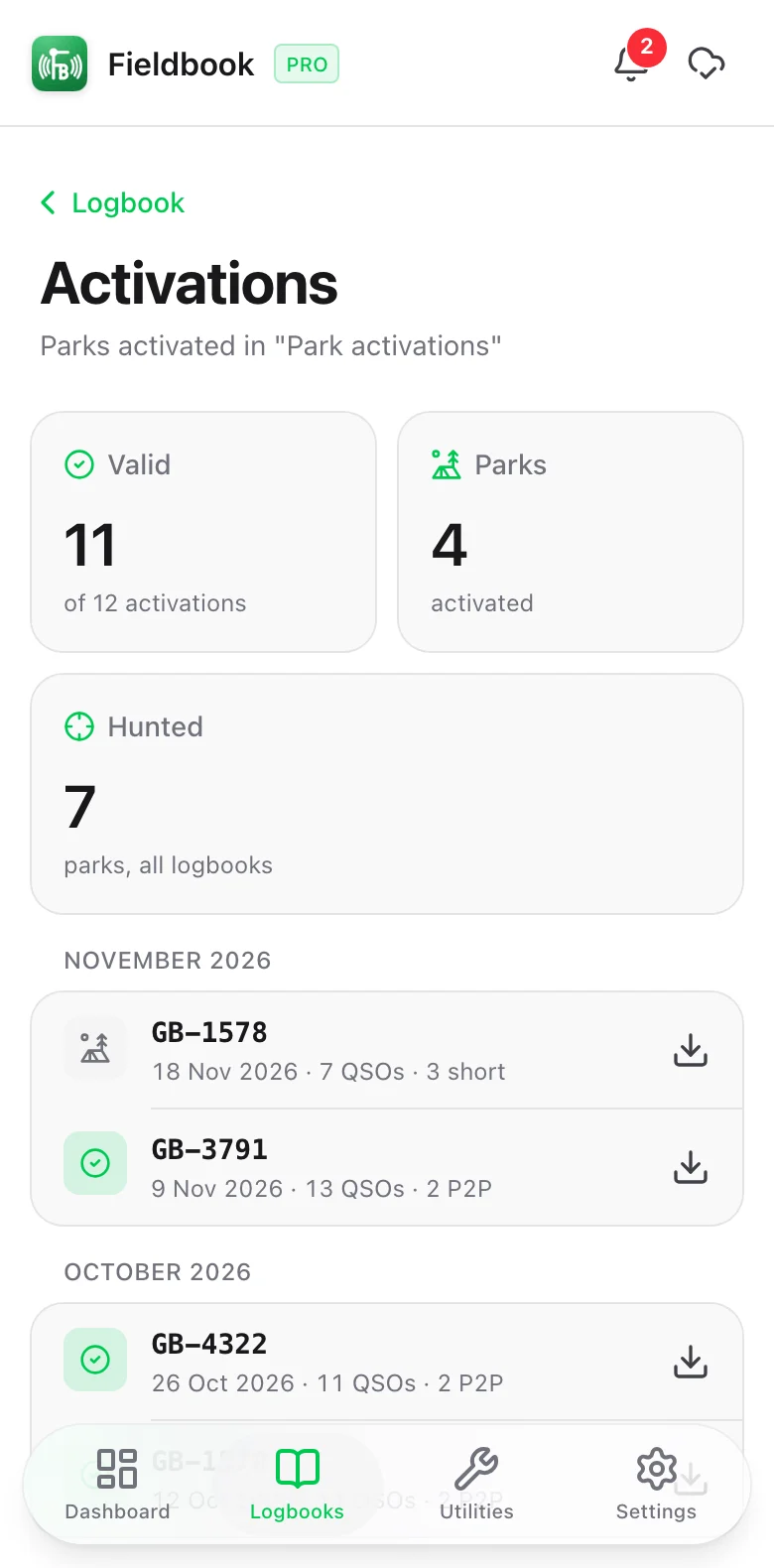
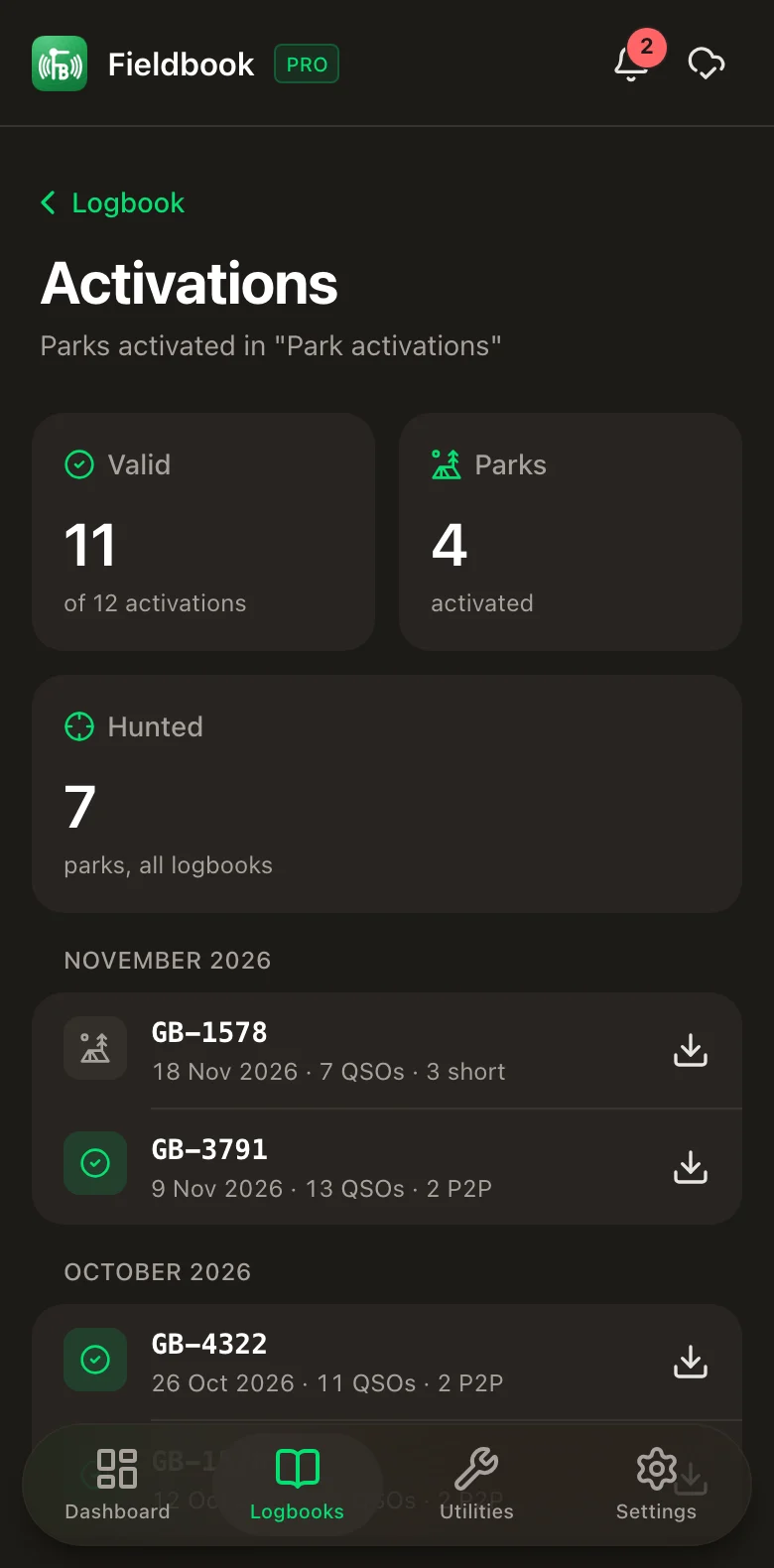
Activations Pro

Every activation you've done, which ones made it to 10, and the parks you've hunted. Download the file for any of them.

Activations on a phone, grouped by month, with the QSO count for each park and day

Plenty more in your logbook

The bits that make keeping a log less of a chore.

QRZ lookups

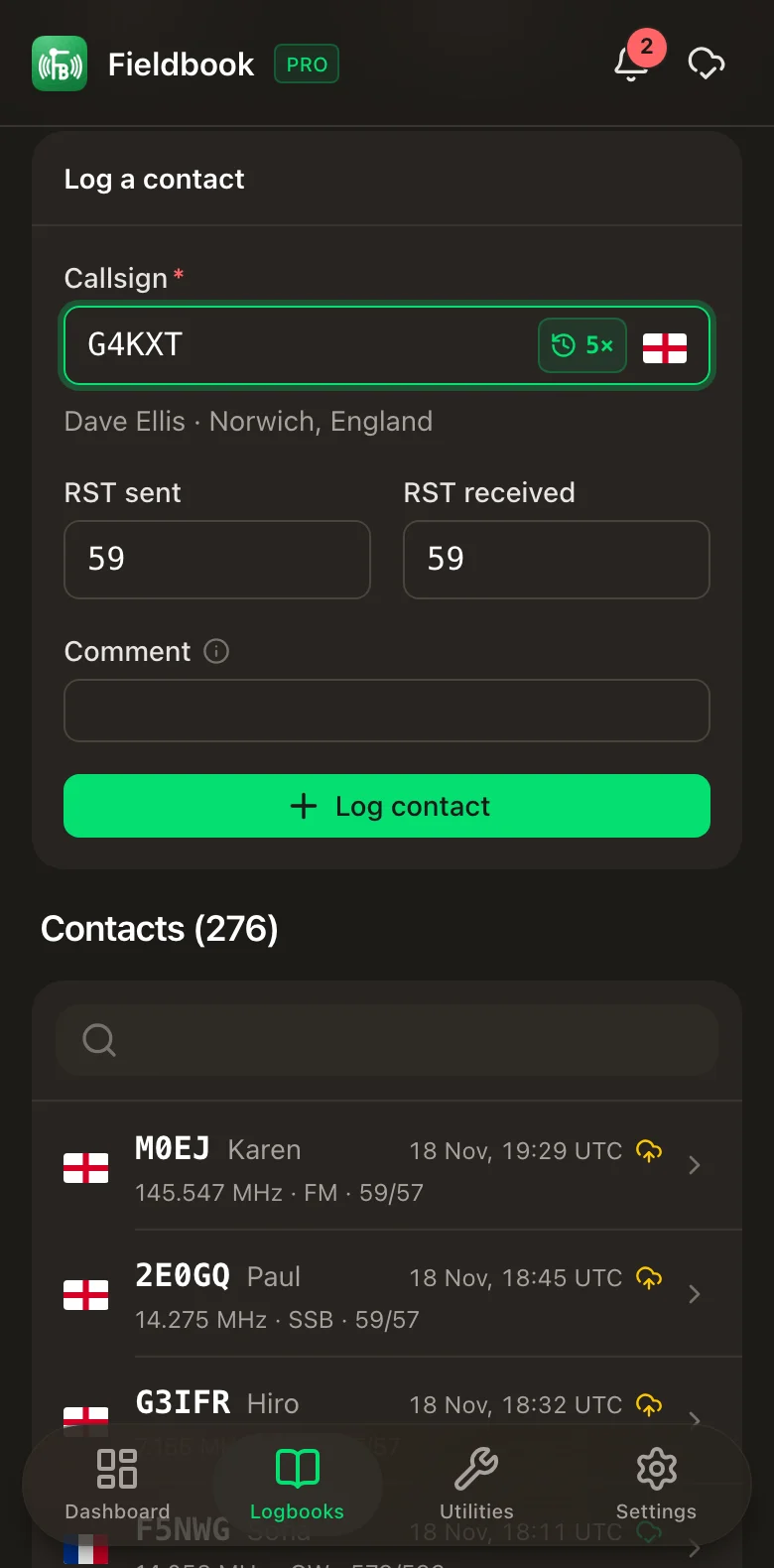
Type a callsign and their name and location pop up straight away. It's free, and there's no need for your own QRZ.com account.

Fieldbook on a phone, filling in a contact's name and location from QRZ as the callsign is typed

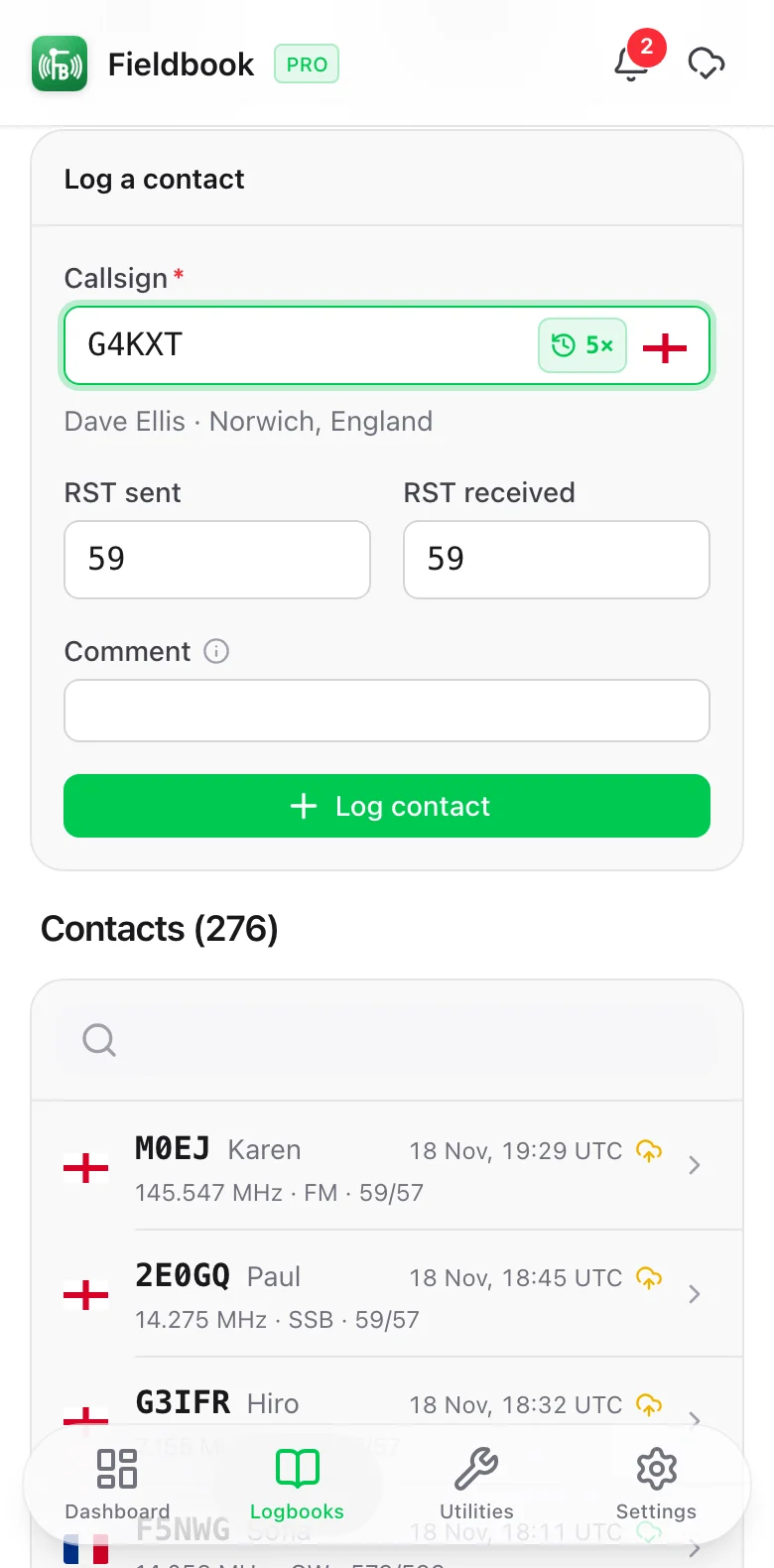
Worked before

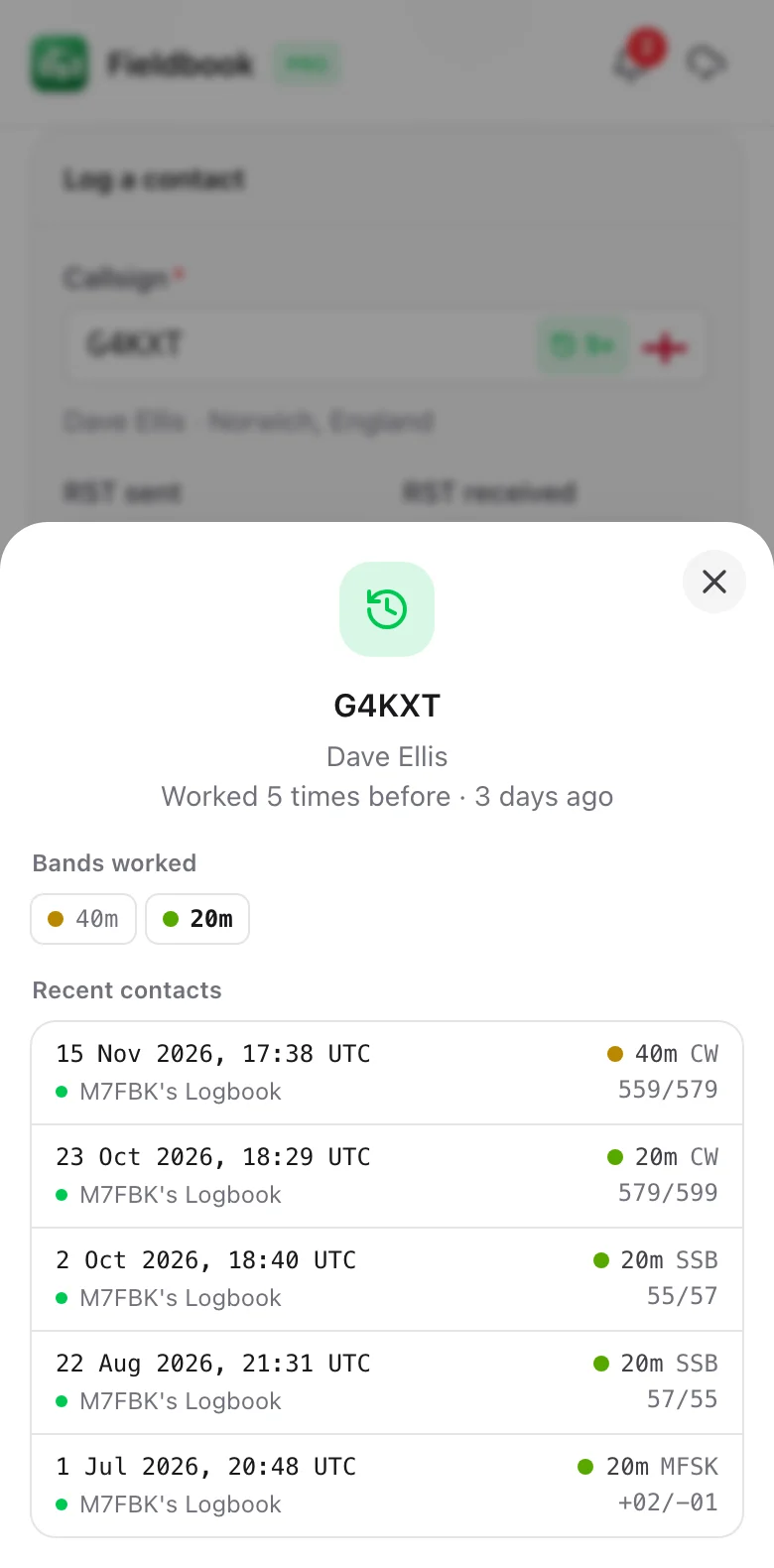
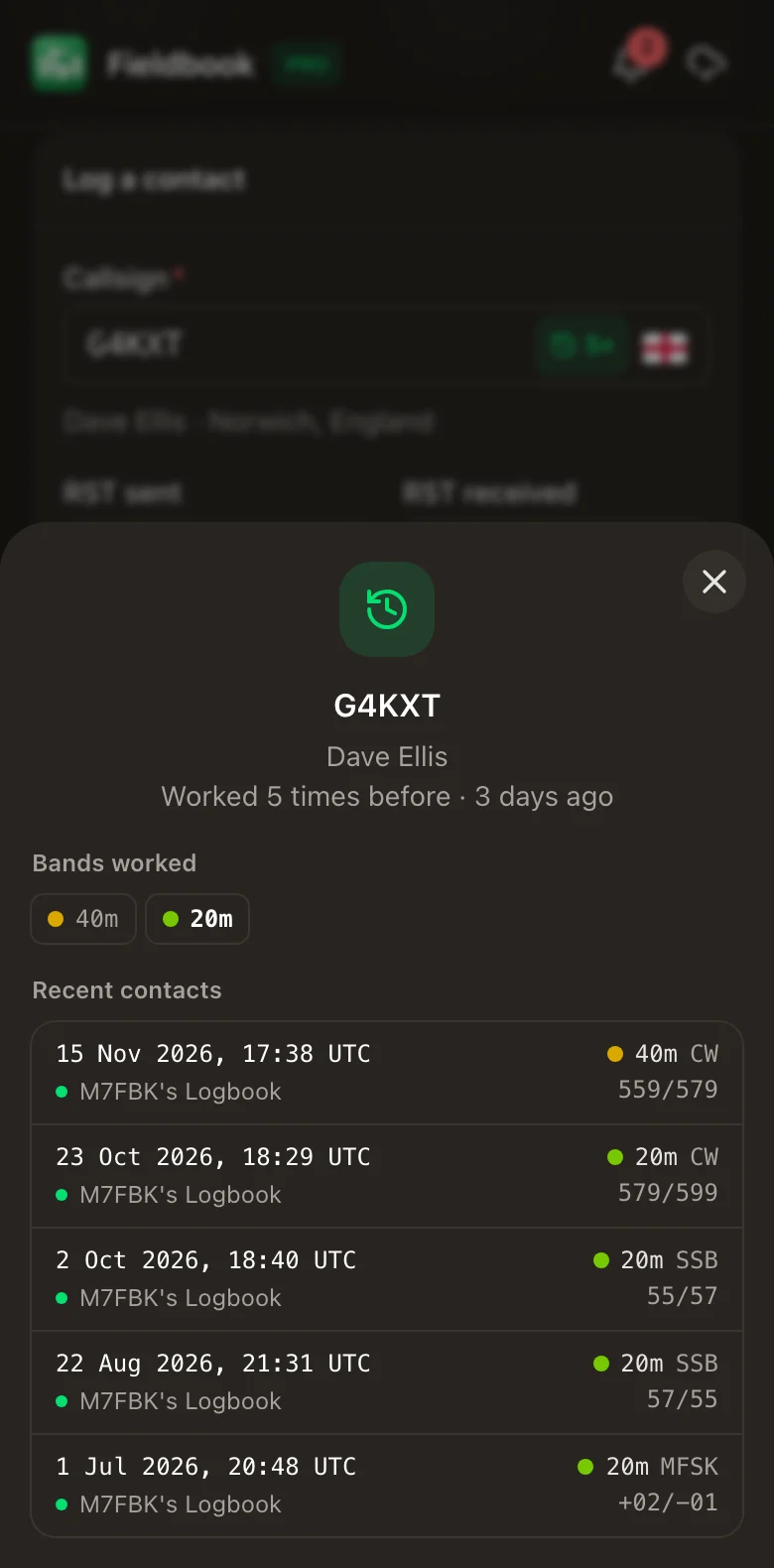
Type a callsign and you'll see if you've worked them before, how often and on which bands. It'll even tell you when it's a new band or mode for them, and it all works offline.

The worked before details for G4KXT on a phone: how many times you have worked them, the bands, and your recent contacts

Import

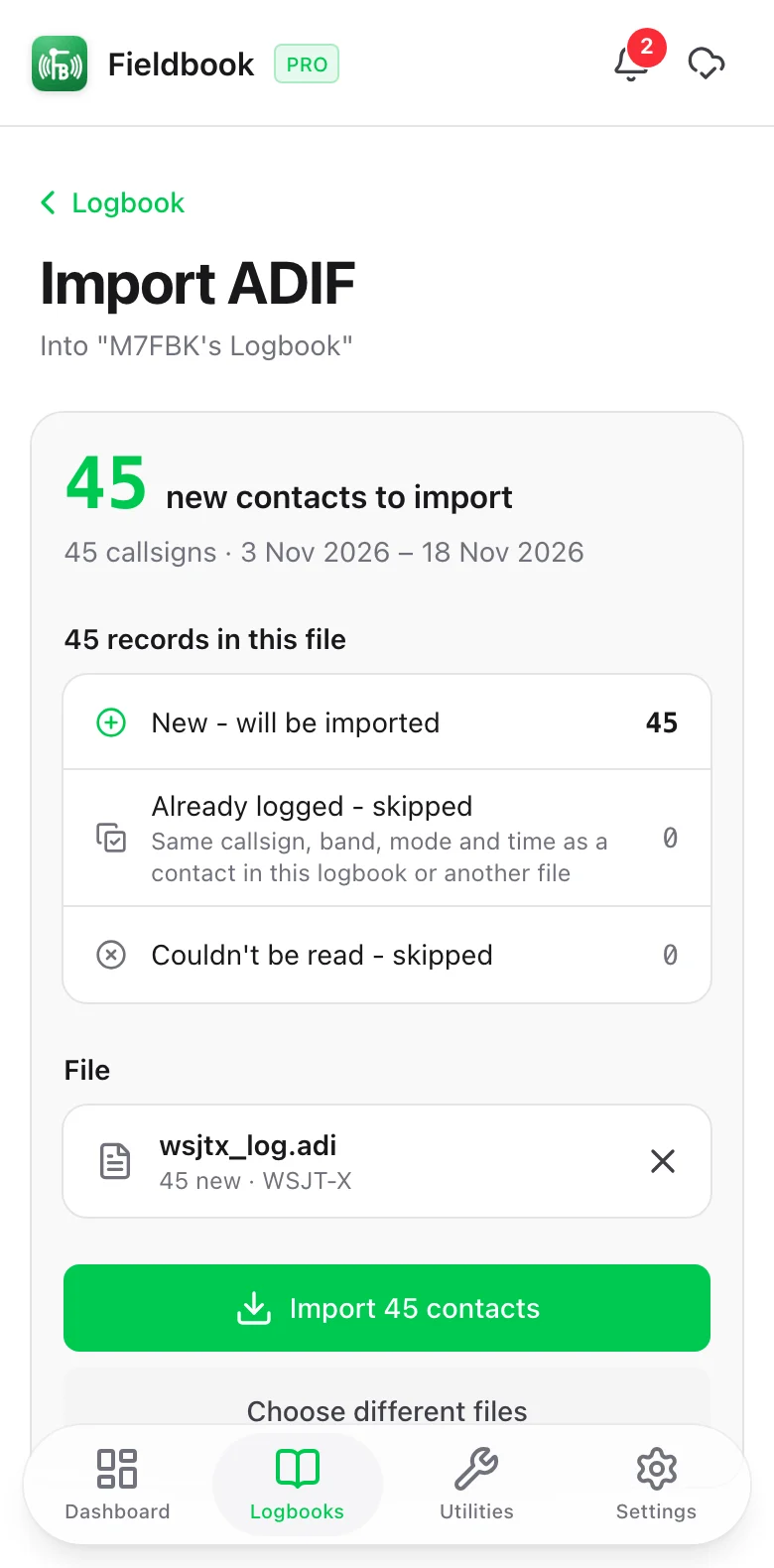
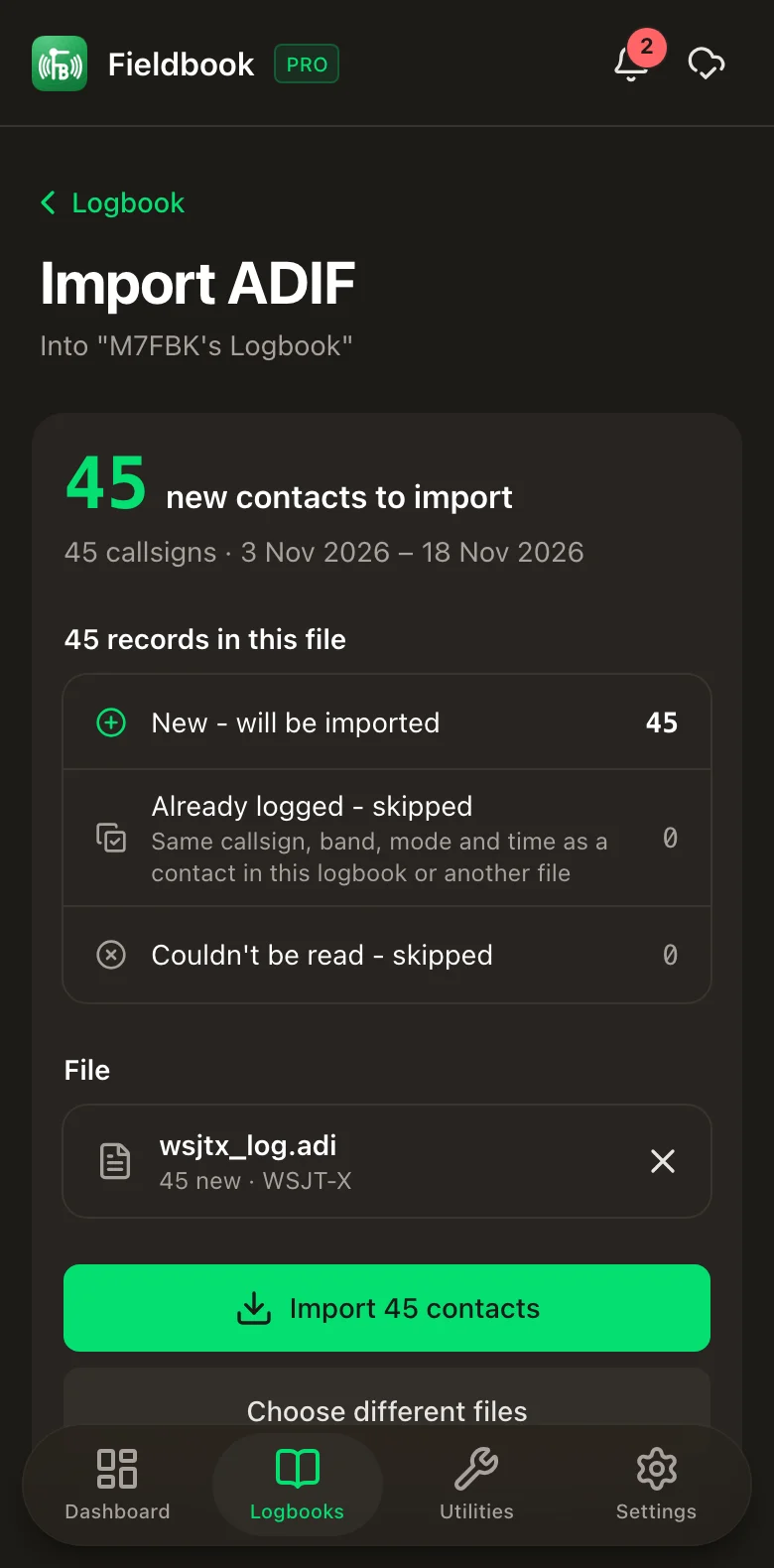
Bring your old log over with ADIF. You'll see what's in the file, and any duplicates, before anything's added.

The ADIF import summary on a phone, with how many new contacts will be imported
Export, bulk edit and more

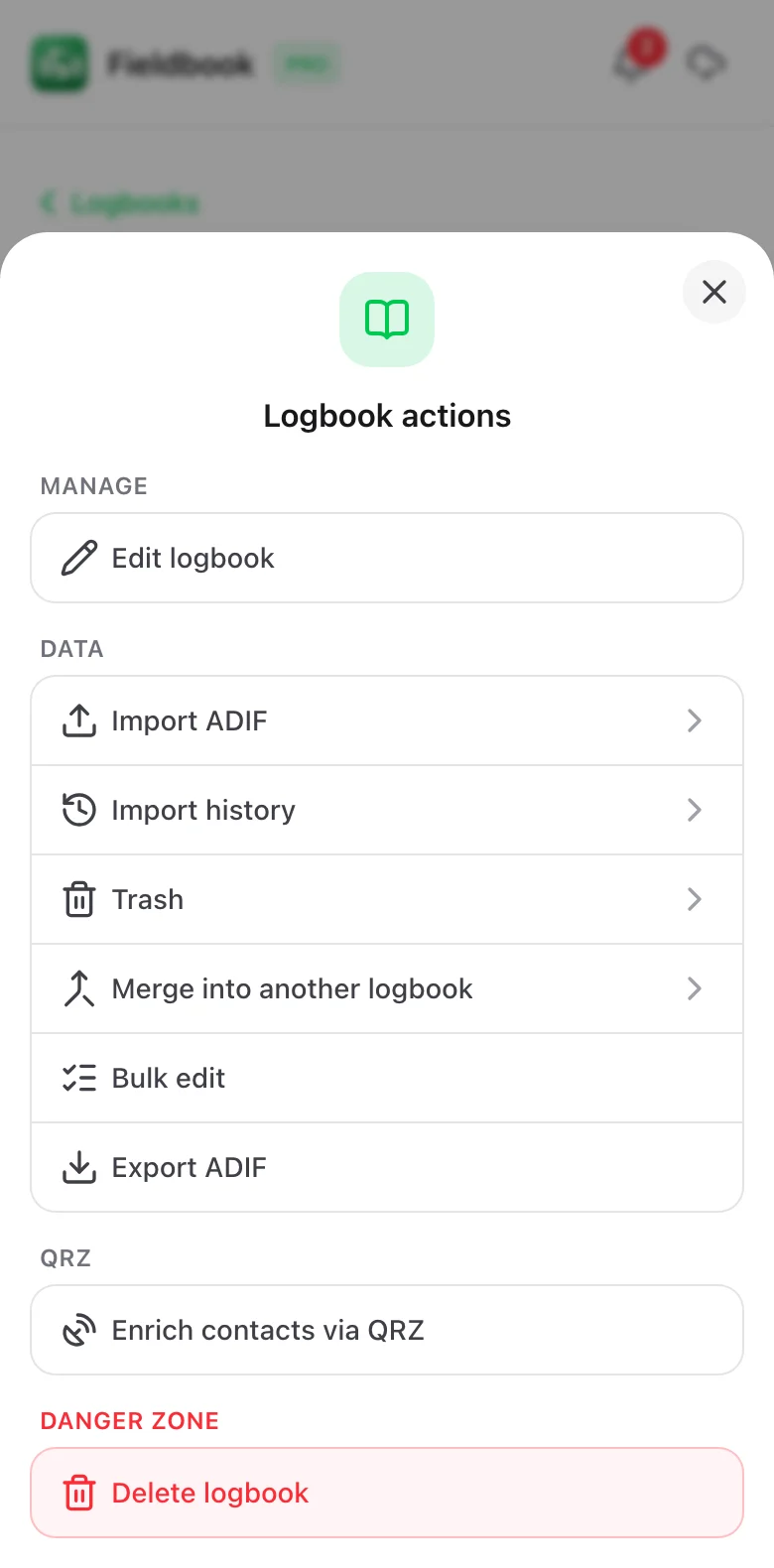
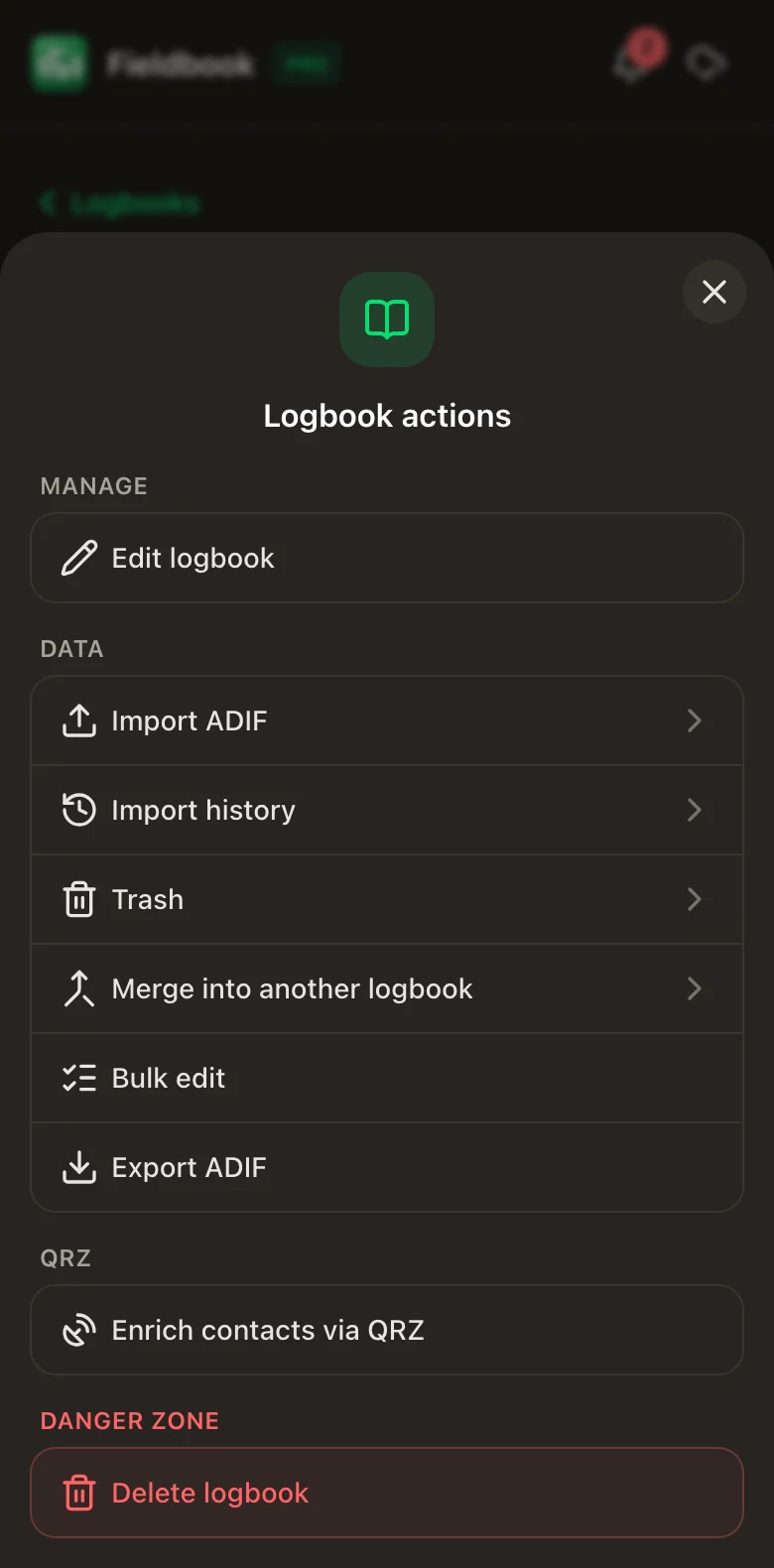
Export to ADIF, see your POTA activations, bulk edit contacts or fill in the gaps from QRZ, all from the logbook menu.

The logbook menu on a phone, with import, export, merge, bulk edit and QRZ options

Handy utilities

Useful tools for when you're on the air, all in one place.

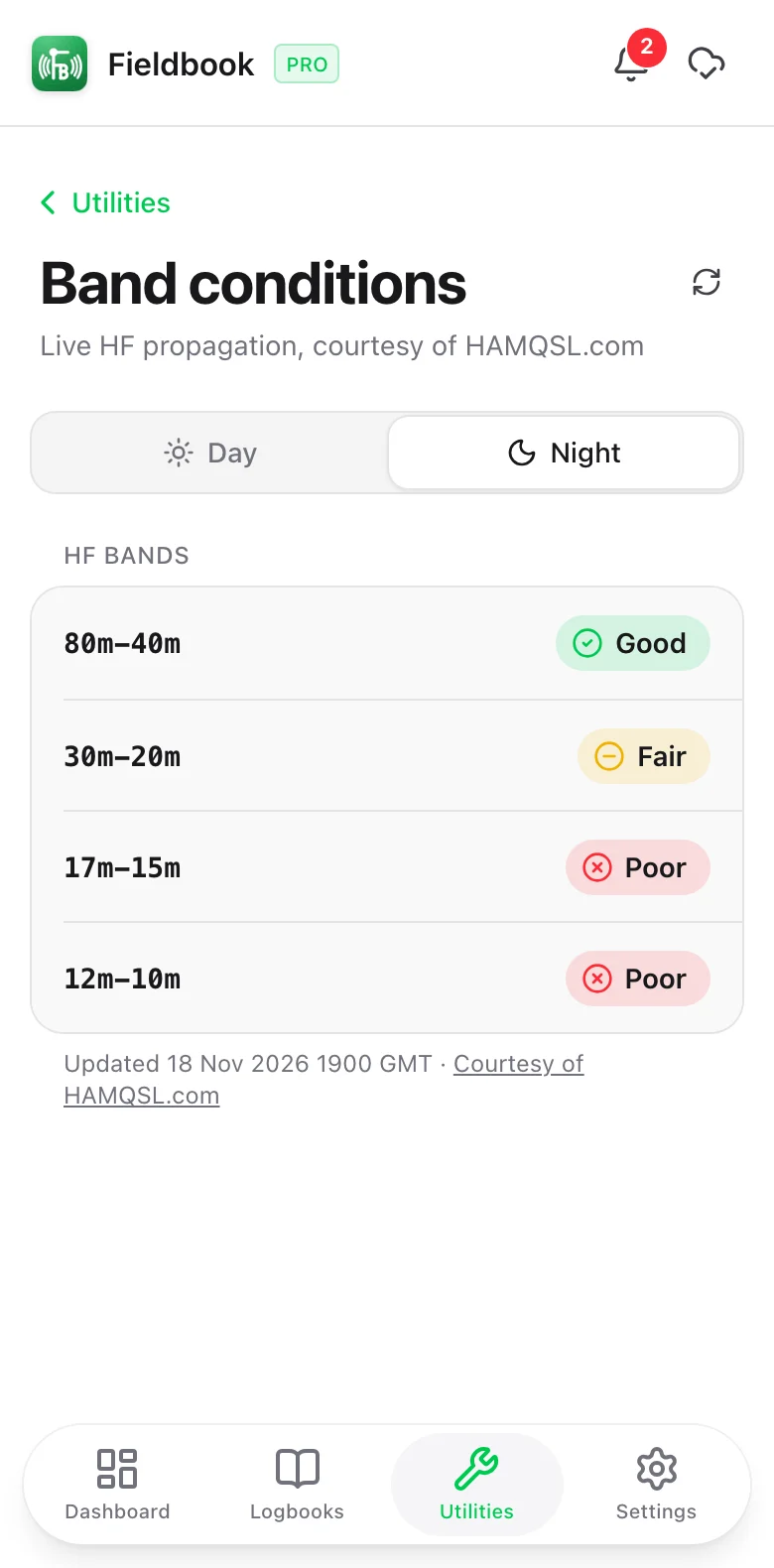
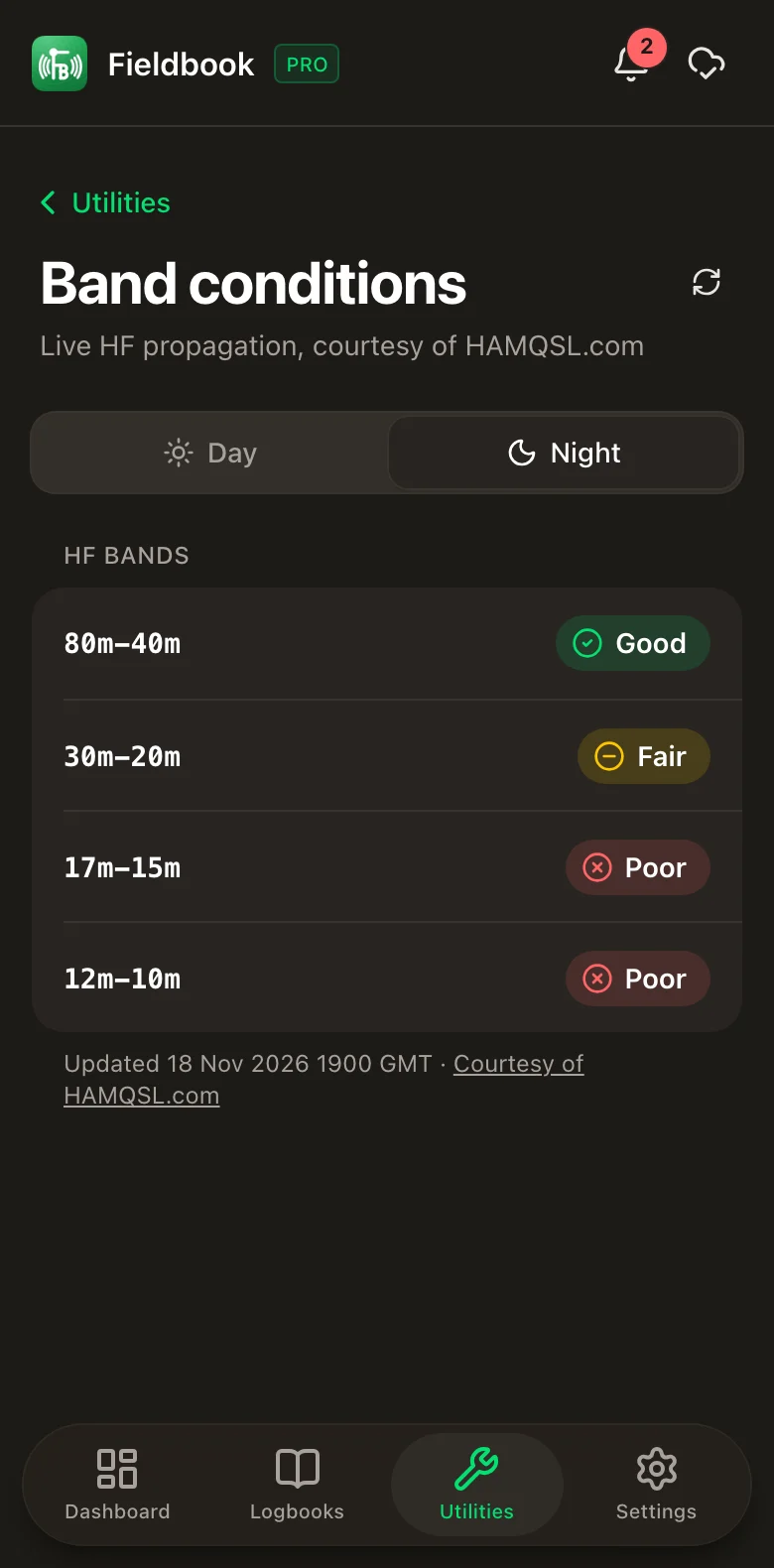
Band conditions

How each band is looking, day and night, courtesy of HAMQSL.com.

Band conditions on a phone, rating each HF band at night

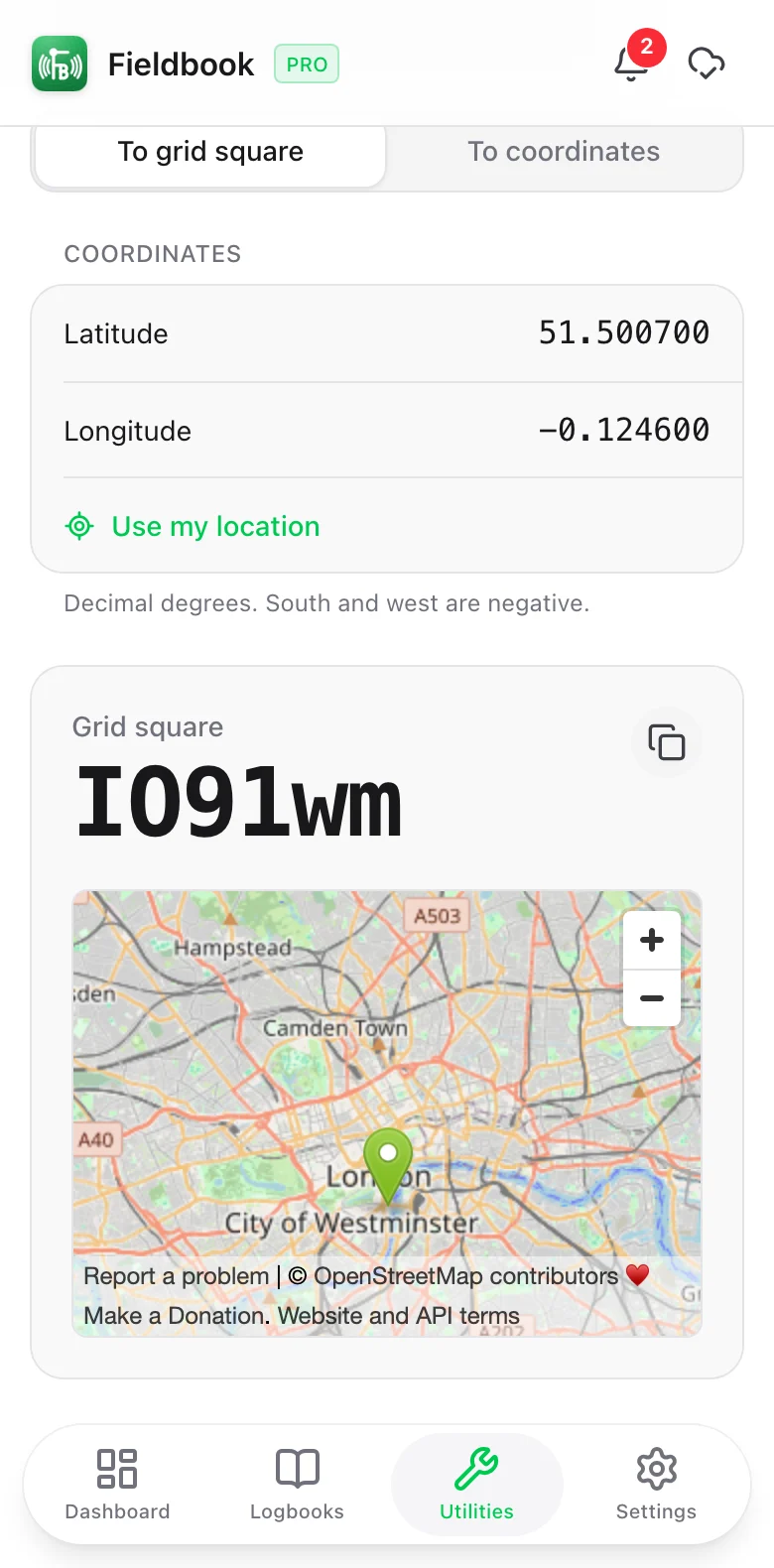
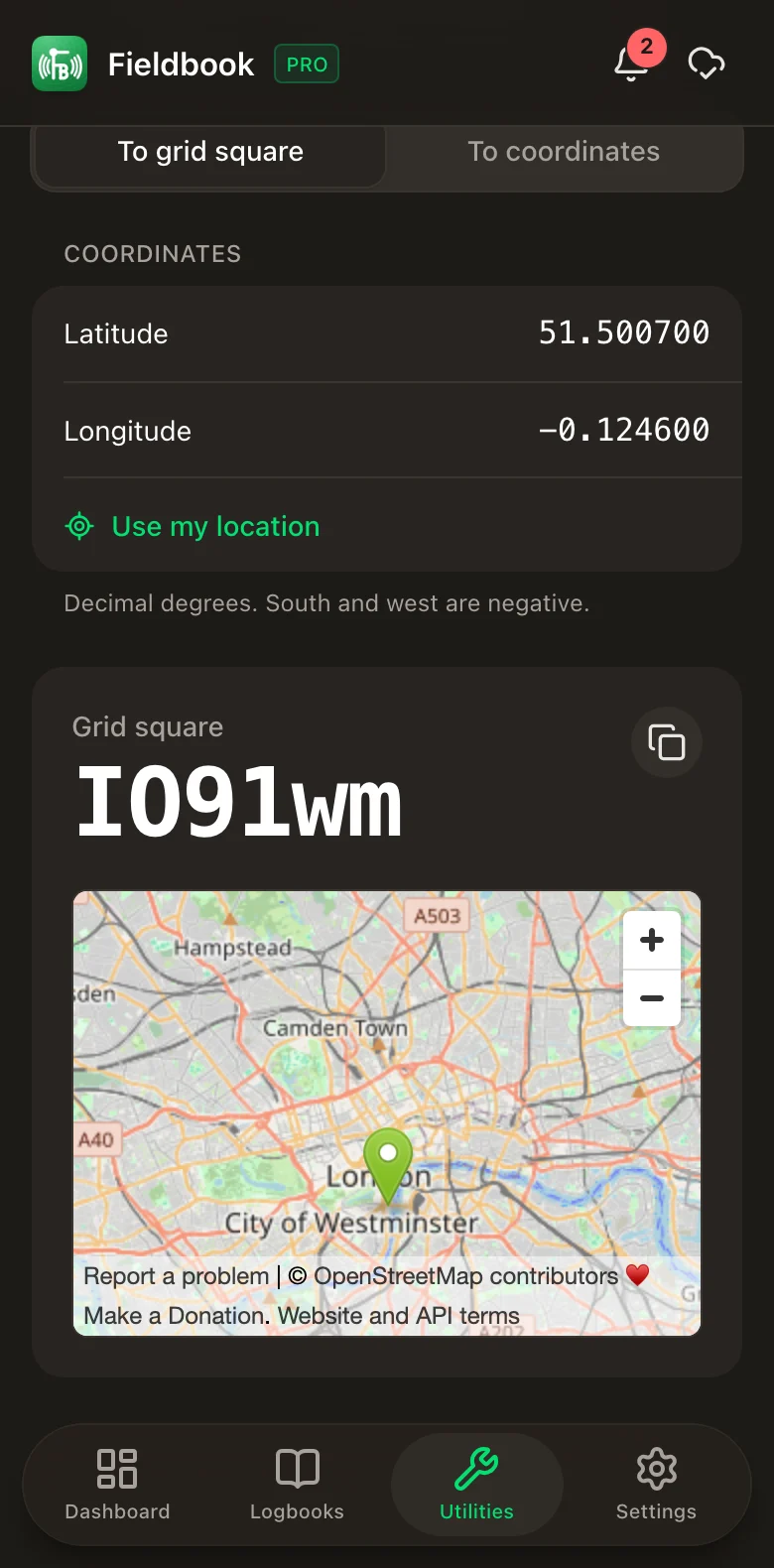
Maidenhead locator

Turn coordinates into a grid square, or a grid square back into coordinates, with a map to check it.

The Maidenhead locator on a phone, turning coordinates in London into grid square IO91wm

Antenna length

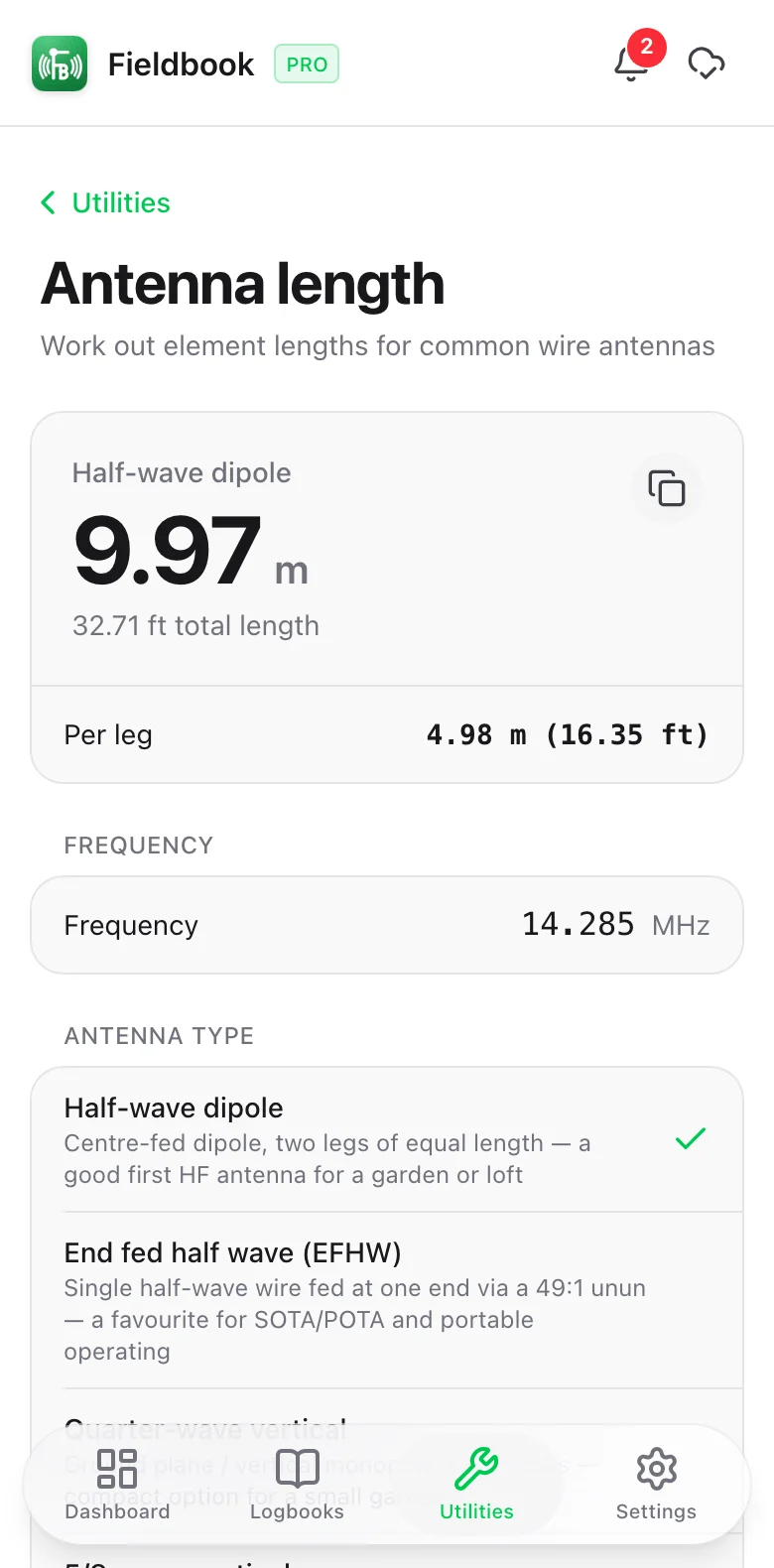
Work out how much wire you need for a dipole, an end fed half wave and more.

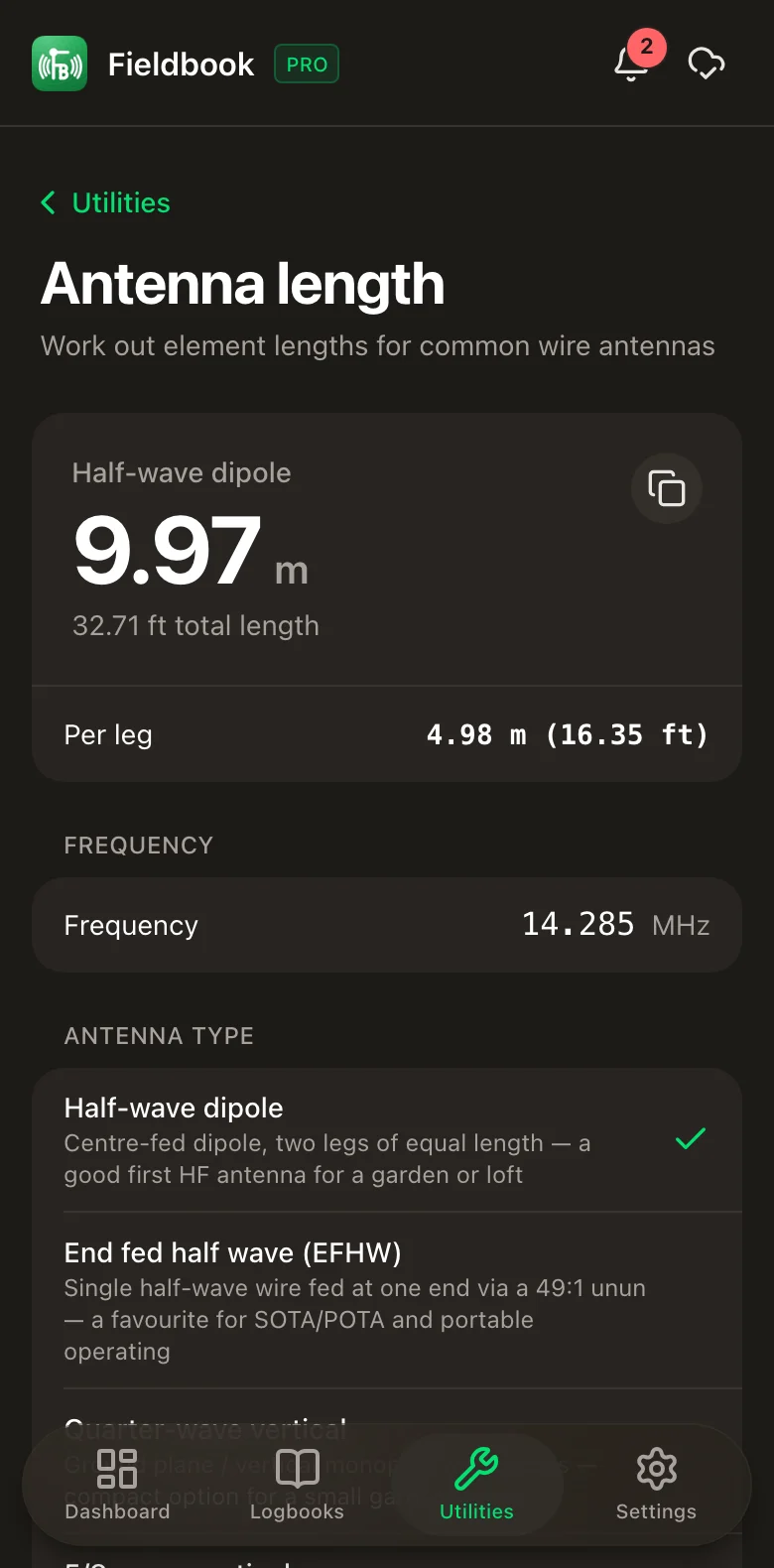
The antenna length calculator on a phone, showing a 9.97 m half-wave dipole for 14.285 MHz

No signal? Keep logging.

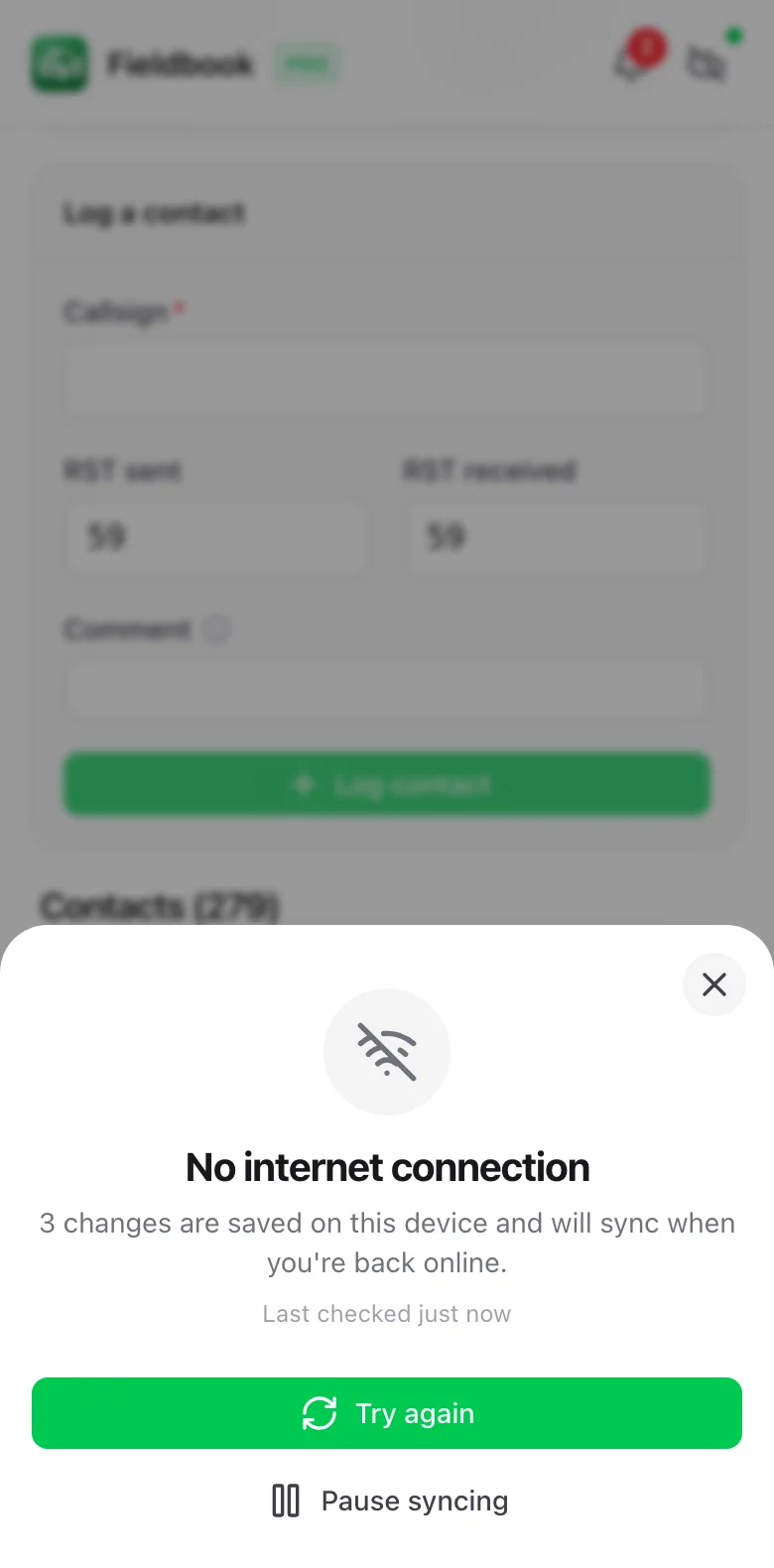
Fieldbook keeps your whole log on your device, not just in the cloud. Log from a park, a hilltop or halfway up a mast, and it catches up as soon as you're back in signal.

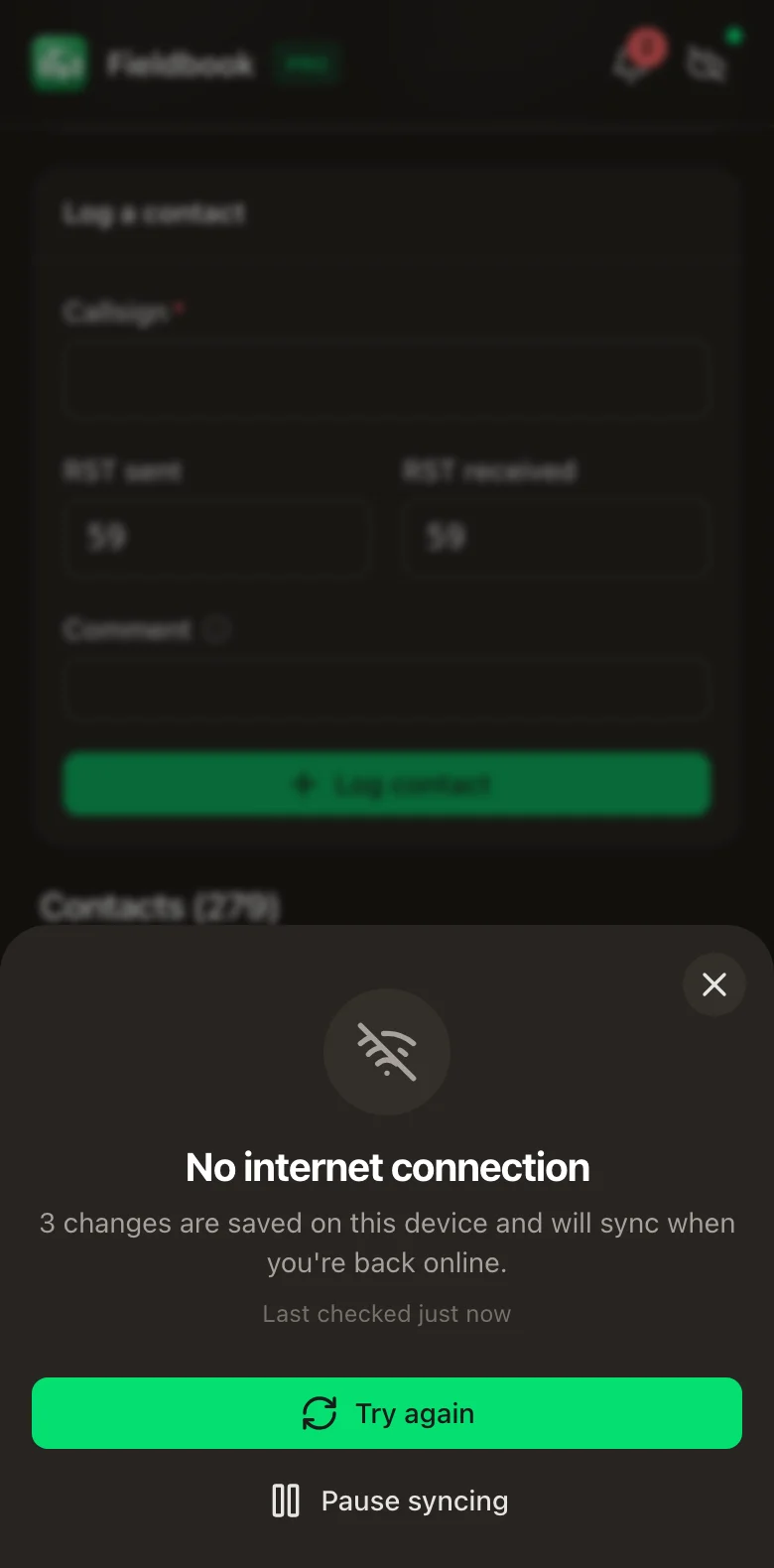
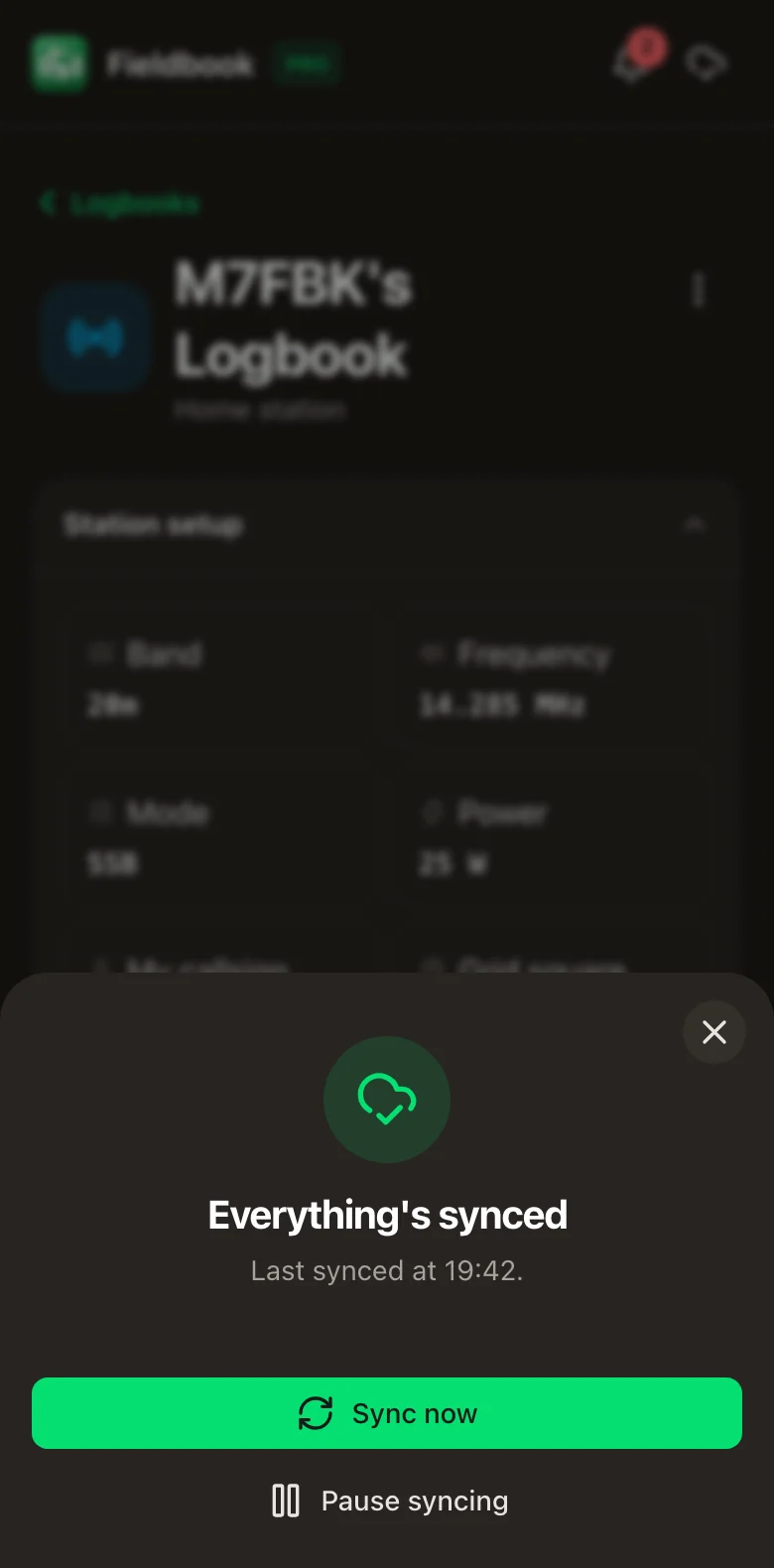
The sync sheet on a phone with no signal: no internet connection, and 3 changes saved on this device

Works with no signal

  • Logging, editing and deleting contacts
  • Searching your logbooks and the worked before check
  • Countries and flags for each callsign
  • Finding POTA parks by name, reference or what is nearby
  • Your dashboard and stats
  • Exporting a logbook as an ADIF file
  • The grid square and antenna calculators

Needs a connection

  • QRZ lookups - logged offline? Refresh each contact later, or a whole logbook with Pro
  • POTA spots and spotting yourself
  • Band conditions
  • Map tiles - your contacts still plot, on a blank map
  • QRZ Logbook Sync - contacts go up to QRZ.com once you are online
  • Importing an ADIF file
  • New achievements - the server works them out when you sync
  • Signing in on a new device for the first time

Before you head out

  1. Open Fieldbook on each device you'll log from.
  2. Wait for the cloud icon at the top to show everything's synced.
  3. Add Fieldbook to your home screen, so it opens like an app.
Get ready to log offline

Edited on two devices? Each change is stamped with the time you made it, and the latest one wins. With Pro, the version it replaced stays in the contact's edit history.

Signing out? Check that everything's synced first. Signing out clears the log from that device, including changes that haven't gone up yet.

Ready to get on the air?

Newly licensed or an experienced operator, there's a place for you here. Sign up for free and you'll be logging in a couple of minutes.

Create a free account